Multi
121
2. Video Learning
Please download films from our website to your device or card.
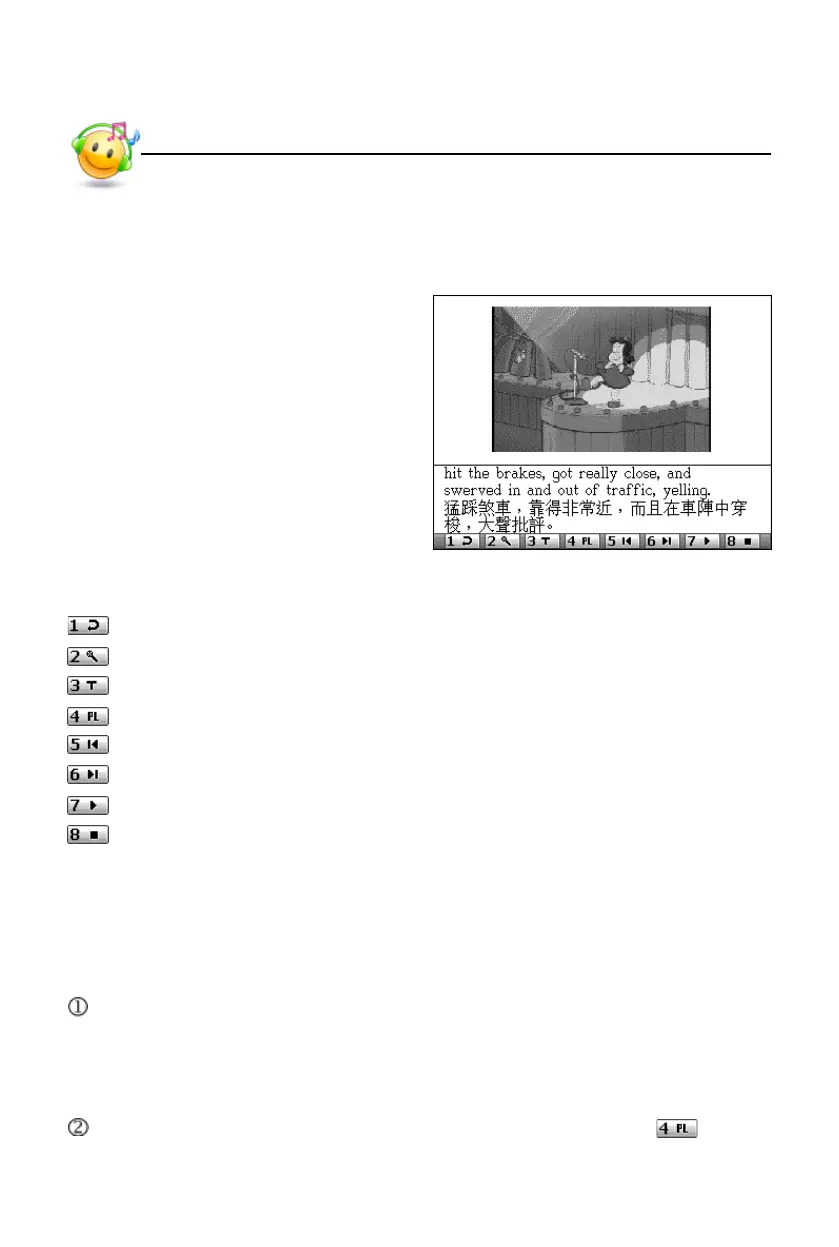
Video Learning main screen:
2.1 Key Function
: [1] key, to contrast pronunciation again during reading after the device.
: [2] key, to read after the device.
: [3] key, to select caption display mode.
: [4] key, to open the play list.
: [5] key, to skip to the previous section of the film.
: [6] key, to skip to the next section of the film.
: [7] key, to play film.
: [8] key, to stop playing.
2.2 Play List
You will not be able to watch films if there is no data in the play list. Therefore,
you must download films into your play list first.
When Video Learning is accessed, the device will automatically search video
files and add them to your play list if the play lsit is empty.
* Please select “Yes” in the pop-up window when you are asked whether to
search files.
If you want to add films to play list or to edit play list, please tap in the
main screen to open it. In this screen:
Video Learning



 To Next Page