Dictionary
51
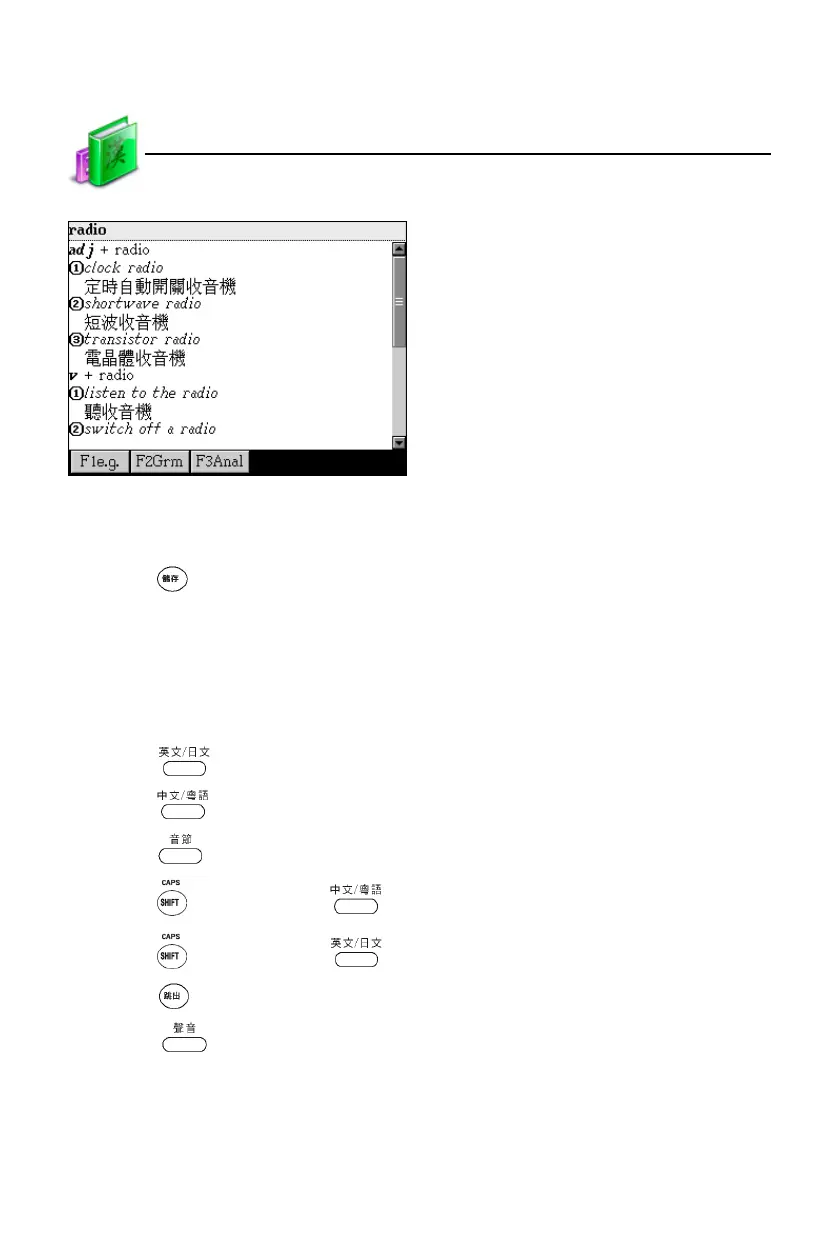
Tap [F5Mwd]
3.1.6 Data Storing
Press to save words or sentences for review and test. Only the saved data
can appear in Review and Test.
3.1.7 Pronunciation
The pronunciation is American English. In the explanation screen:
* Press to listen to English pronunciation.
* Press to listen to Chinese pronunciation.
* Press to listen to syllable pronunciation.
* Press once and press to listen to Cantonese pronunciation.
* Press once and press to listen to Japanese pronunciation.
* Press to stop pronunciation.
* Press to set volume and speed of the natural voice.
Explanation



 To Next Page