Study
74
4. Interactive English
Interactive English provides dialogues and role plays to help you quickly master
vocabularies, sample sentences and usages. The device can search downloaded
data automatically.
4.1 Situation
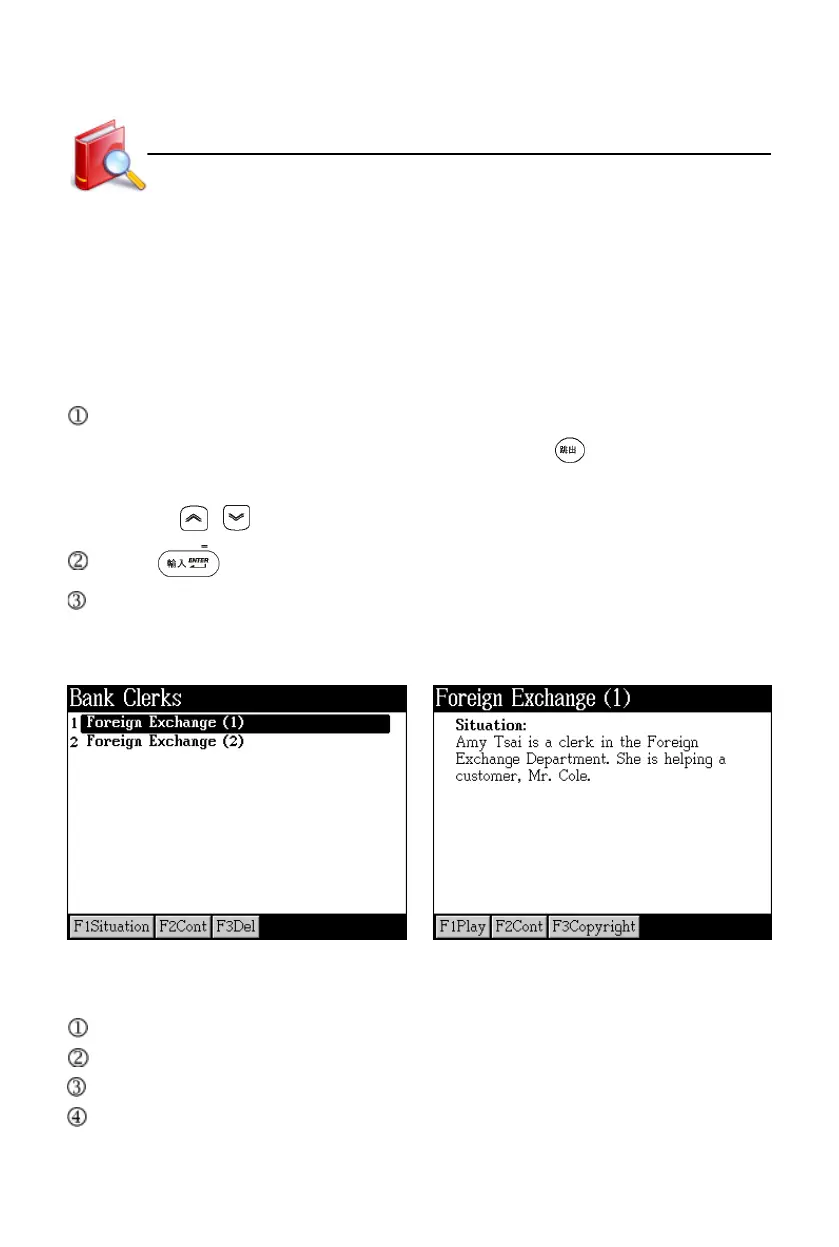
Tap [F1Situation] to view the situation introduction of the highlighted dialogue.
* Tap [F1Play] to read situation introduction. Press to stop.
* You can cross search words in corresponding dictionaries.
* Press / to view the previous/next situation introduction.
Press or tap [F2Cont] to access the dialogue.
Tap [F3Del] to delete the selected data.
Take “Bank Clerks-- Foreign Exchange(1)” for example:
Menu Situation
4.2 Content
You can cross search words in corresponding dictionaries.
Tap [F1All] to access the whole text.
Tap [F2Single] to access the single sentence.
Tap [F3Role Play] to read in role.
Interactive English



 To Next Page