Study
73
General English Proficiency Test
*Tap to view detailed explanation.
* Tap [F2Auto] to play the questions and answers automatically, and to high-
light the sentence that are being read. Press to exit.
* Tap [F3Single] to select sentence, and then tap [F3Play] to read the
selected sentence. Press to exit.
* Tap or press corresponding letter key to answer. If you answer while it is
being read, reading will stop.
*Tap to access the next question; tap to return to the previous
question.
* Before the question is read, press to exit the practice.
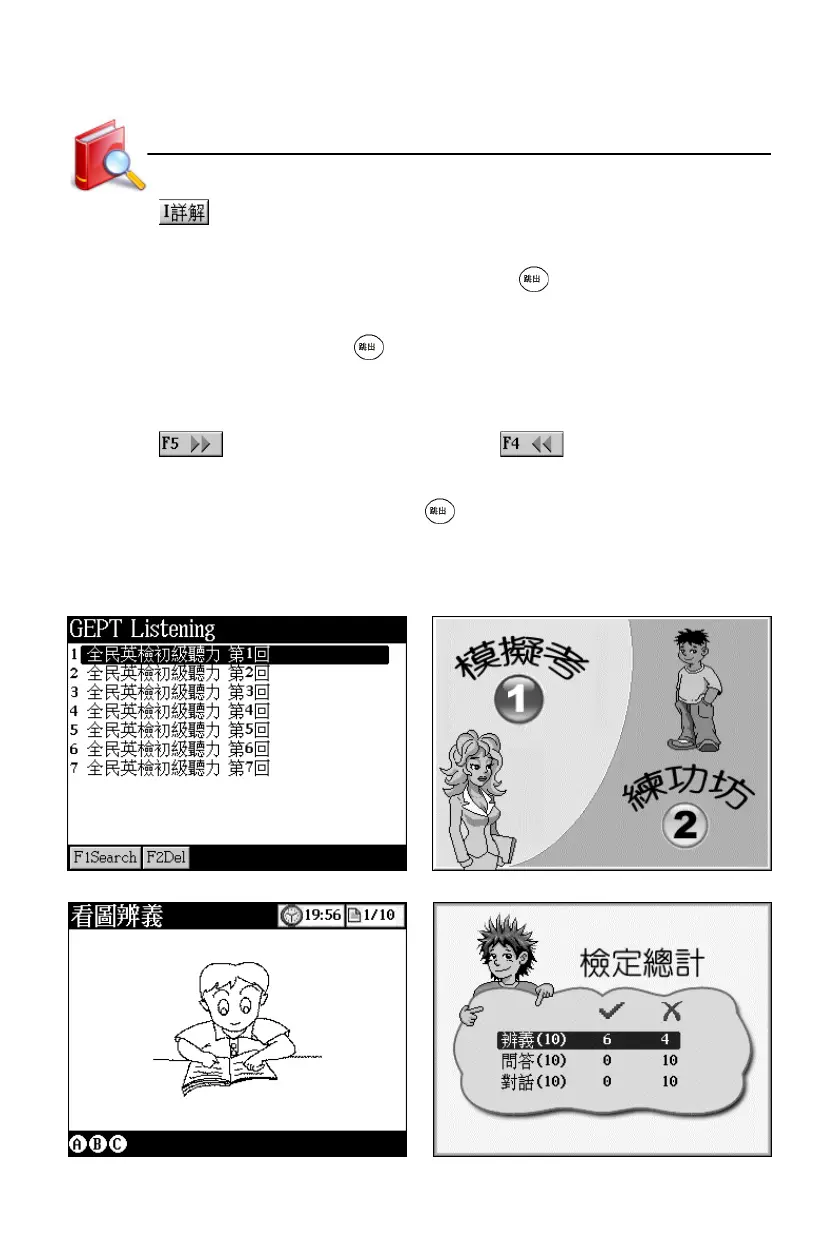
If there is downloaded data, tap “GEPT Listening” to open the menu and select
item.
Index screen Select one to access
Answering screen Result



 To Next Page