130
1. Installing USB Driver Program
For Windows98 users, please follow the steps below to install USB driver
program first:
Insert the CD-Rom into CD driver disk of PC.
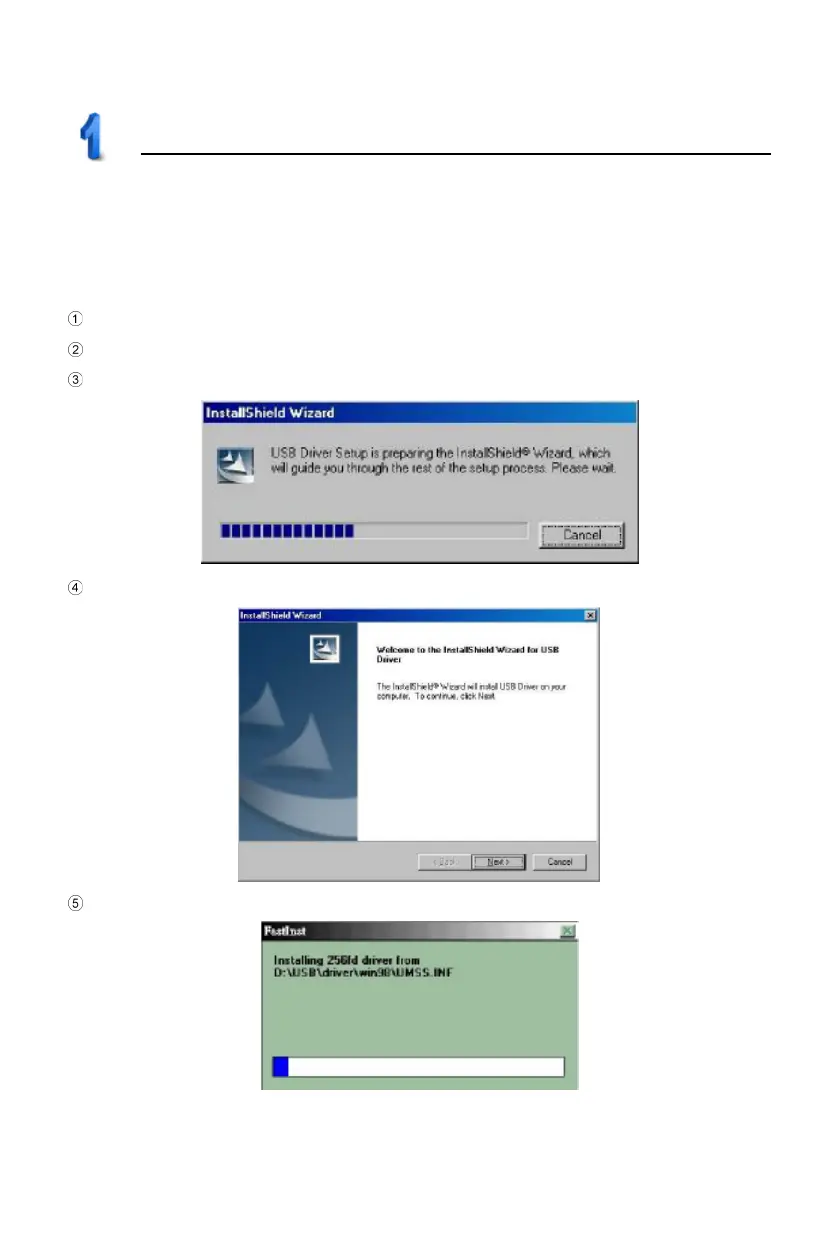
Click “USB Driver Windows98” to install (picture1).
Prepare for InstallShield Wizard, please refer to picture 2.
The welcome screen appears as picture 3. Click “Next”.
Start installing USB driver program (picture 4).
USB Driver Installation
2
3
4



 To Next Page