138
2.2 Opening the Program
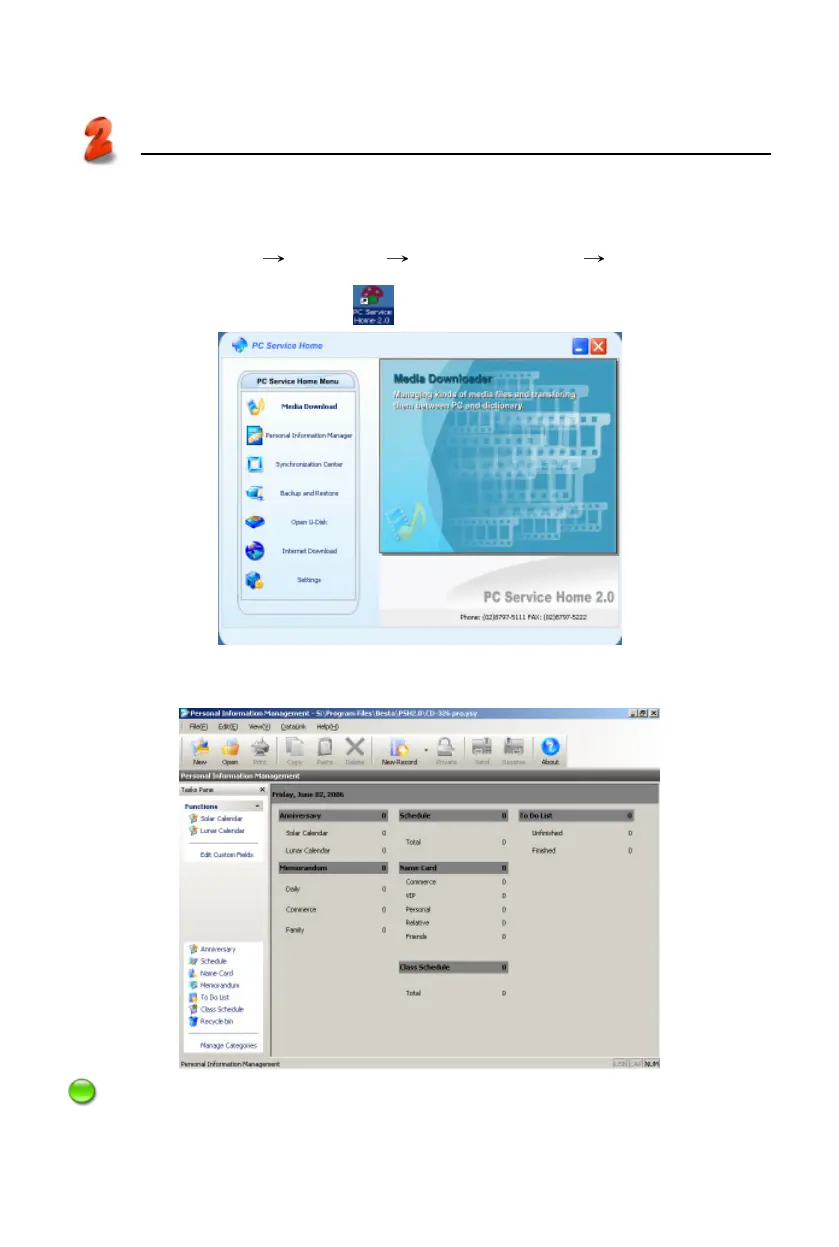
Click “Start” menu “Programs” “PC Service Home” “PC Service Home
2.0”, or double click the shortcut in desktop to open. (Picture 13)
Click “Personal Information Manager” to open Personal Information Manage-
ment program. (Picture 14)
Note:
To optimize PC Service Home display, please use small font type in Windows.
Open
PC Service Home
13
14



 To Next Page