18
Notes:
When power is insufficient, please turn off the device first, then insert a power
adaptor to recharge the battery.
Personal data will be retained even the device is out of power.
If the screen of “LOADING...” appears repeatedly, this means the battery is no
longer usable. Please change a new one.
1.2 Battery Recharging
Be sure to use Besta DC 5V/1A power adaptor.
Plug the charging adaptor into the DC socket in the device and plug the power
adaptor into a wall outlet. It takes about 3 hours to recharge fully.
Notes:
Damage incurred by using other power adaptor that does not come with this
device is not covered by our warranty.
Damage incurred by using other rechargeable battery that does not come with
this device is not covered by our warranty. Please do not use this battery on
other products.
For the initial use, please fully charge the battery for 3 hours. The LED is
orange during charging, and it will become green when it is fully charged.
The green LED will light up and the orange LED will blink when the adaptor
is plugged into the device without battery.
1.3 Battery Power Checking
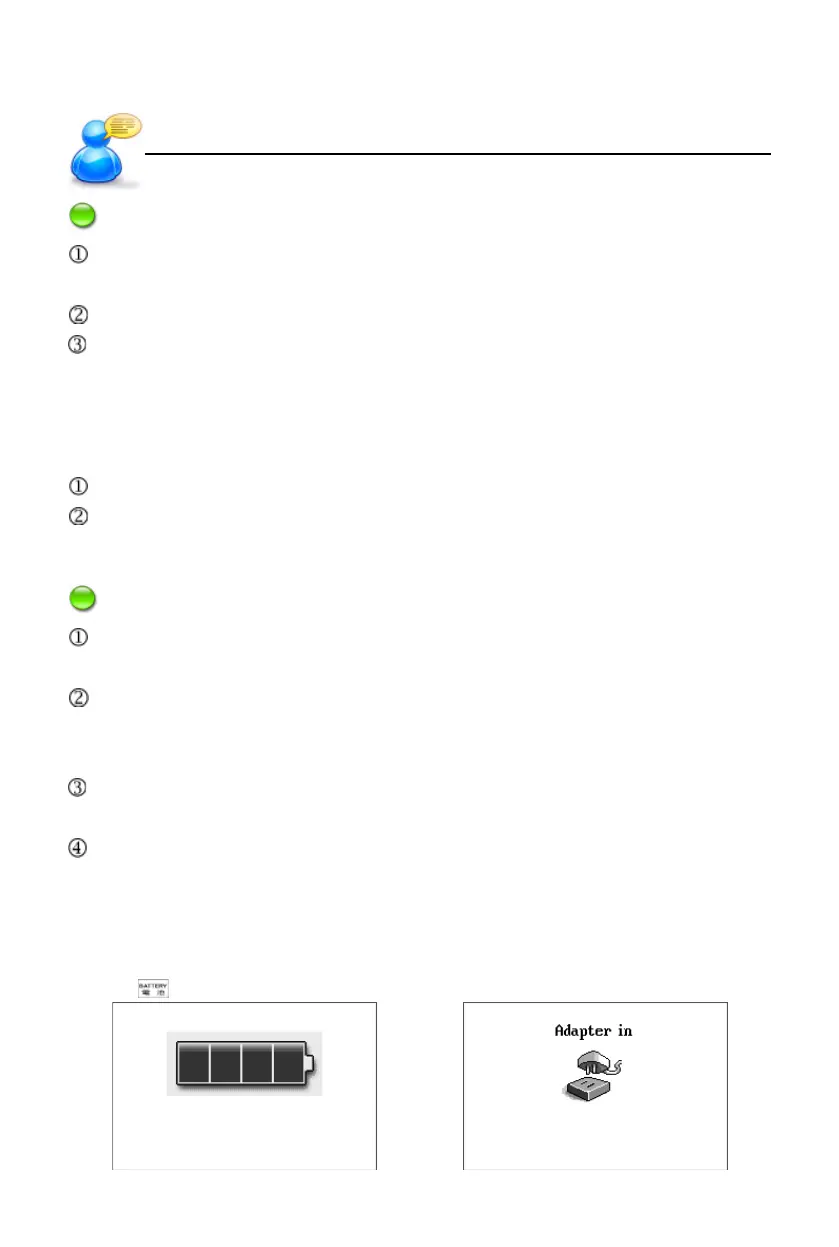
Tap in the touch panel to check the battery power at any time.
Power Source
User’s Guide



 To Next Page