142
* Synchronization Center
Repeat steps to of “Download”, and then click .
* Backup and Restore
Backup all the data of electronic dictionary into PC; restore the backuped data
from PC into electronic dictionary.
* Open U-Disk
Repeat steps to of “Download”, and then move, copy, delete or append file
folder. (The corresponding files moved from PC can be opened in <F5Multi--9
File Management>.)
* Internet Download
Logging on our website and after registration, you can download the latest data.
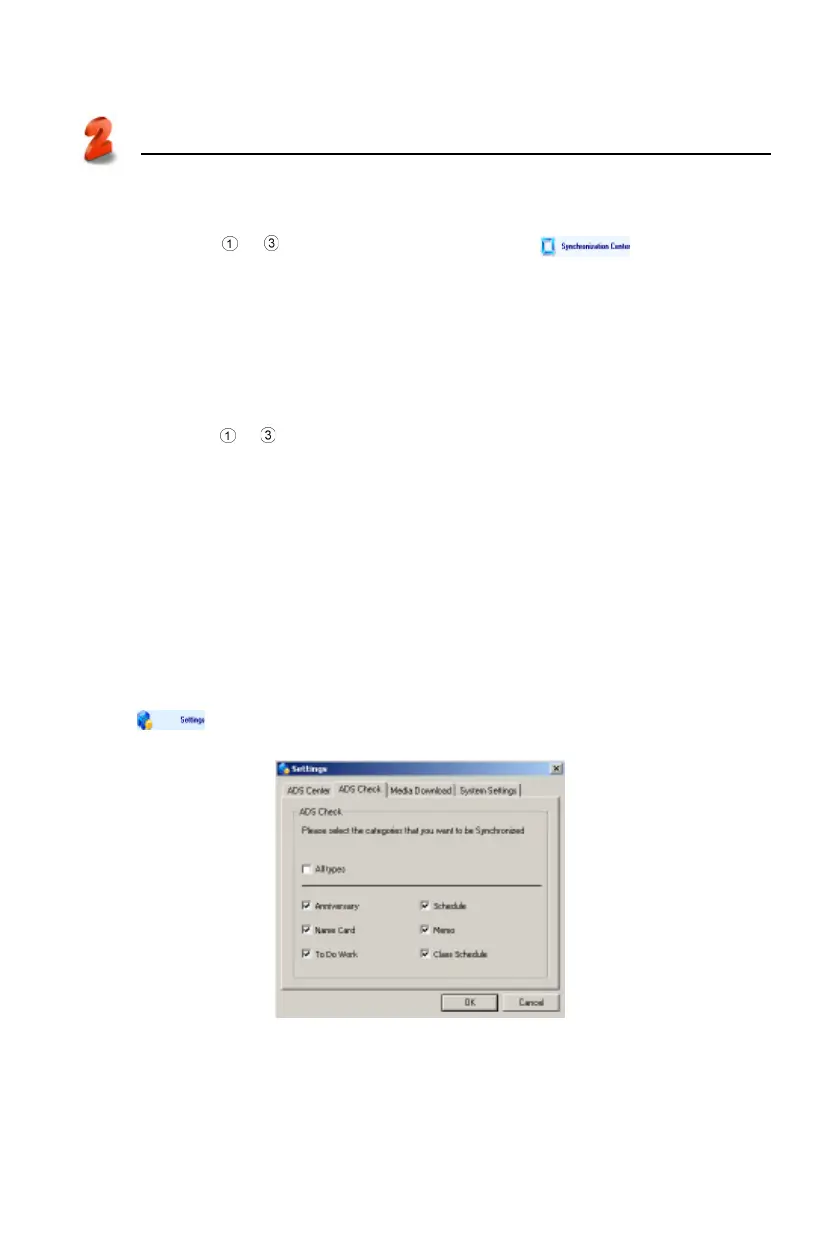
* Settings
Set “ADS Center, ADS Check, Media Download and System Settings”
respectively. (Picture 18)
Tap in the main menu of PC Service Home, and then tap “ADS Check”
to set, shown in picture 18.
PC Service Home
Communication
18



 To Next Page