143
2.4 Personal Information Management
This allows you to append, modify data, edit category, and custom field name
on PC in PIM applications: Name Card, Memorandum, Class Schedule, Anniversary,
Schedule, and To Do List.
2.4.1 Data Editing (Take “Name Card” for Example)
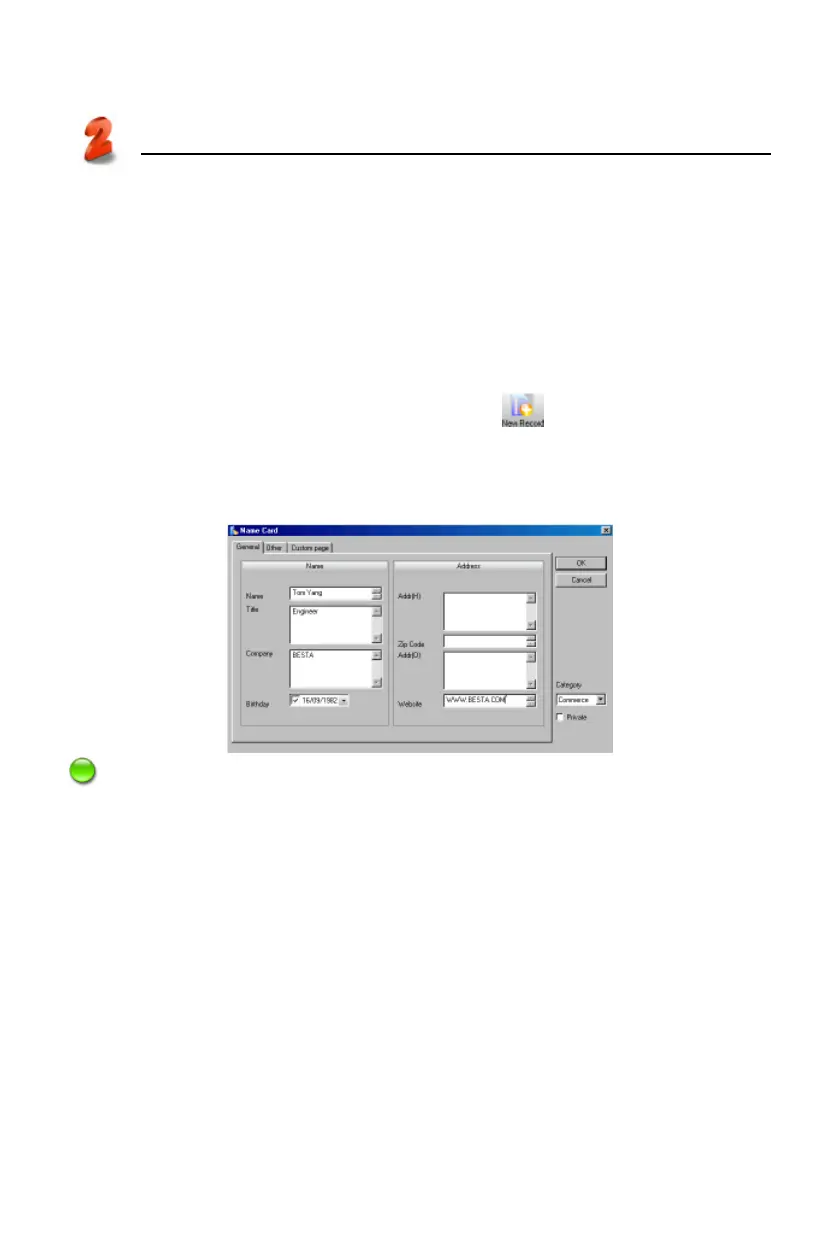
* Tap “Name Card” in “Task Pane”, and select in the upper tool bar to
append Name Card data in the editing screen. (Picture 19)
* To modify the content, double click the entry. (Picture 19)
* To copy, paste or delete one or more entries, select the entries first.
Note:
Click “Custom page”, and then click the blank area of “Portrait Picker” to import
BMP or JPG file as Name Card portrait.
2.4.2 Custom Field
Click “Edit Custom Fields” in picture 14 to add custom fields besides the bulit-
in fields. Up to 6 field types can be selected: text, date, time, integer, decimal,
currency, and check box as shown in picture 20.
PC Service Home
Management
19



 To Next Page