34
Tap [C] first, and then tap [Y] to clear all the data saved in the device. Then the
screen appears as picture 2.
Set date and time, and then tap [Finish] to access the main menu.
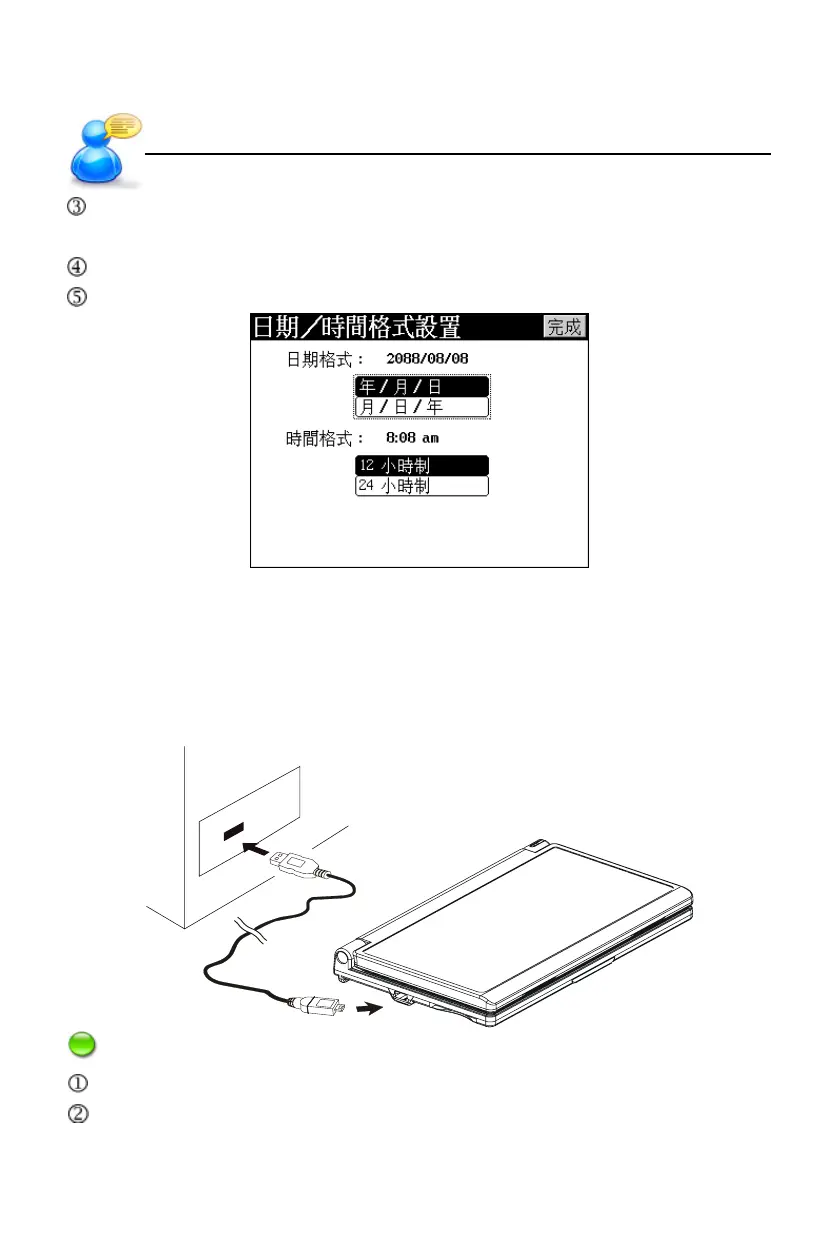
Tap [F1] to set the format of date and time as picture 3.
pic.3
11. USB Disk
Through USB cable, you can move, copy or delete data and add new file folder
both to our device and PC.
Notes: During operation:
Please make sure the device has enough power.
Do not remove the link cable; otherwise, the data will be lost and the device will
be abnormal.
USB Disk
User’s Guide



 To Next Page