System
117
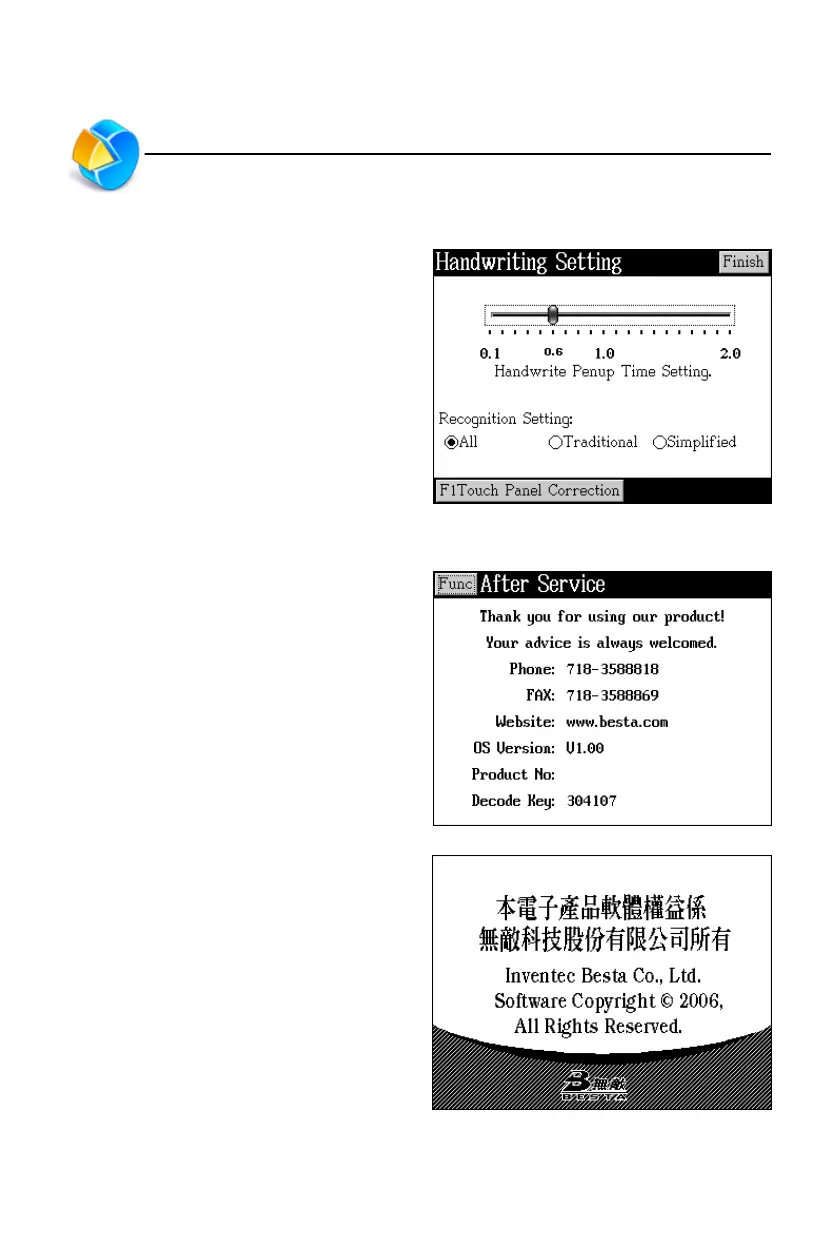
11. Handwriting Setting
Tap corresponding item to set.
12. After Service
Please do not hesitate to contact us by
phone or on the web should you have
any problems or suggestions about our
product.
Tap [Func] to select upgrade system or
view copyright.
Handwriting Setting/After Service



 To Next Page