System
115
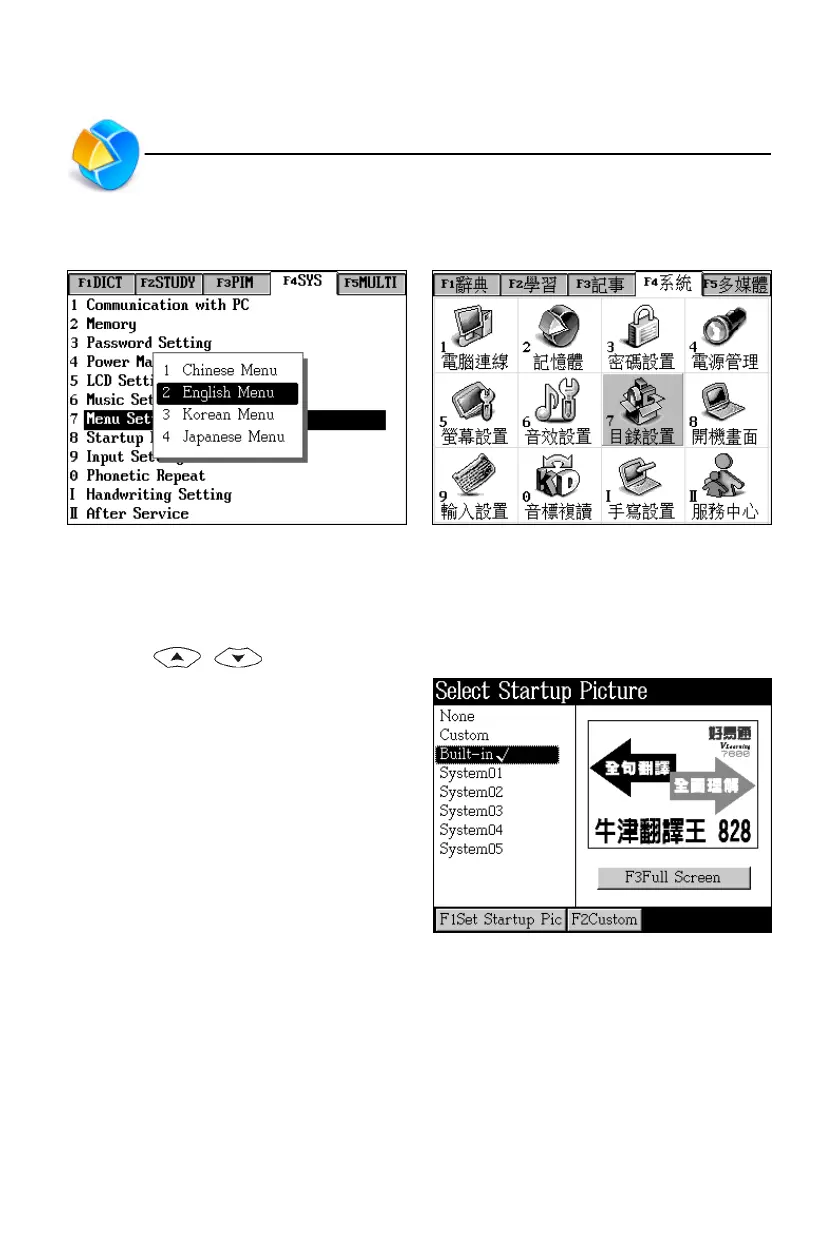
7. Menu Setting
Menu selection Chinese menu
8. Startup Picture
You can select built-in or downloaded picture as your startup picture.
* Press / to select picture, which will be displayed at the right of screen.
* Tap [F1Set Startup Pic] to set your
selected one as the startup picture.
If you select “None”, the device will
not show any picture when you turn
it on.
* Tap [F2Custom] to select picture in
other paths as startup picture.
* Tap [F3Full Screen] to view the
picture in full screen.
Menu Setting/Startup Picture



 To Next Page