Study
75
4.2.1 All
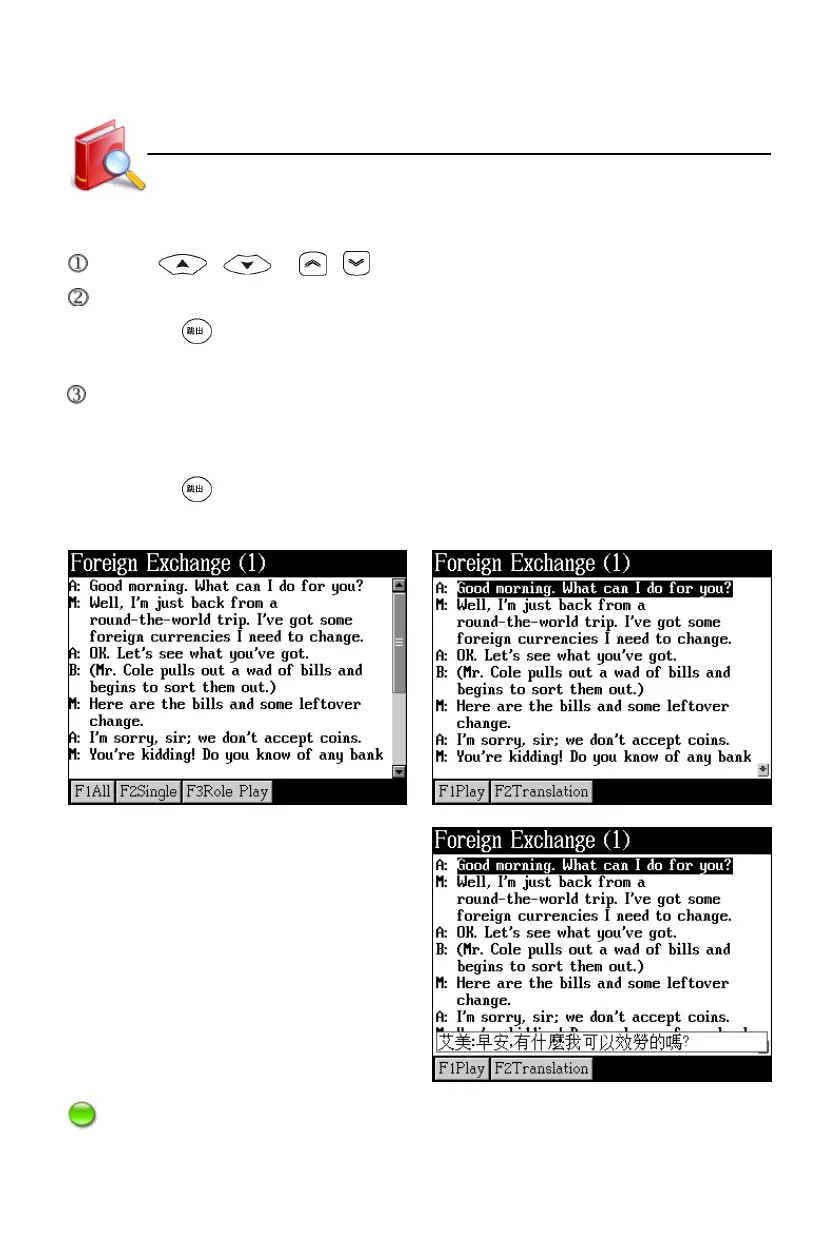
Press / or / to select dialogue.
Tap [F2Translation] to display Chinese translation of the selected sentence.
* Press to exit.
* Tap [F1Play] to listen and view the translation at the same time.
Tap [F1Play] to read sentence by sentence from the marked one.
* The sentence that is being read is marked.
* Tap [F1Pause/Continue] to pause or continue reading.
* Press to stop.
Content Tap [F1All]
Play and translate
Note: As for “Single”, please refer to “All”.
Interactive English



 To Next Page