145
2.5 Import/Export
You can import/export corresponding data of Name Card, Memorandum, from/to
Outlook Calendar, Notes, Contacts and Tasks of PC, and you are allowed to import/
export vCard of Name Card between both ends.
2.5.1 Import Data (Take “Import Outlook Contact” for Example)
Import outlook contacts to PC Service Home as Name Card.
* Click “File” menu “Import and Export” of “Name Card” “Import Outlook
Contact”.
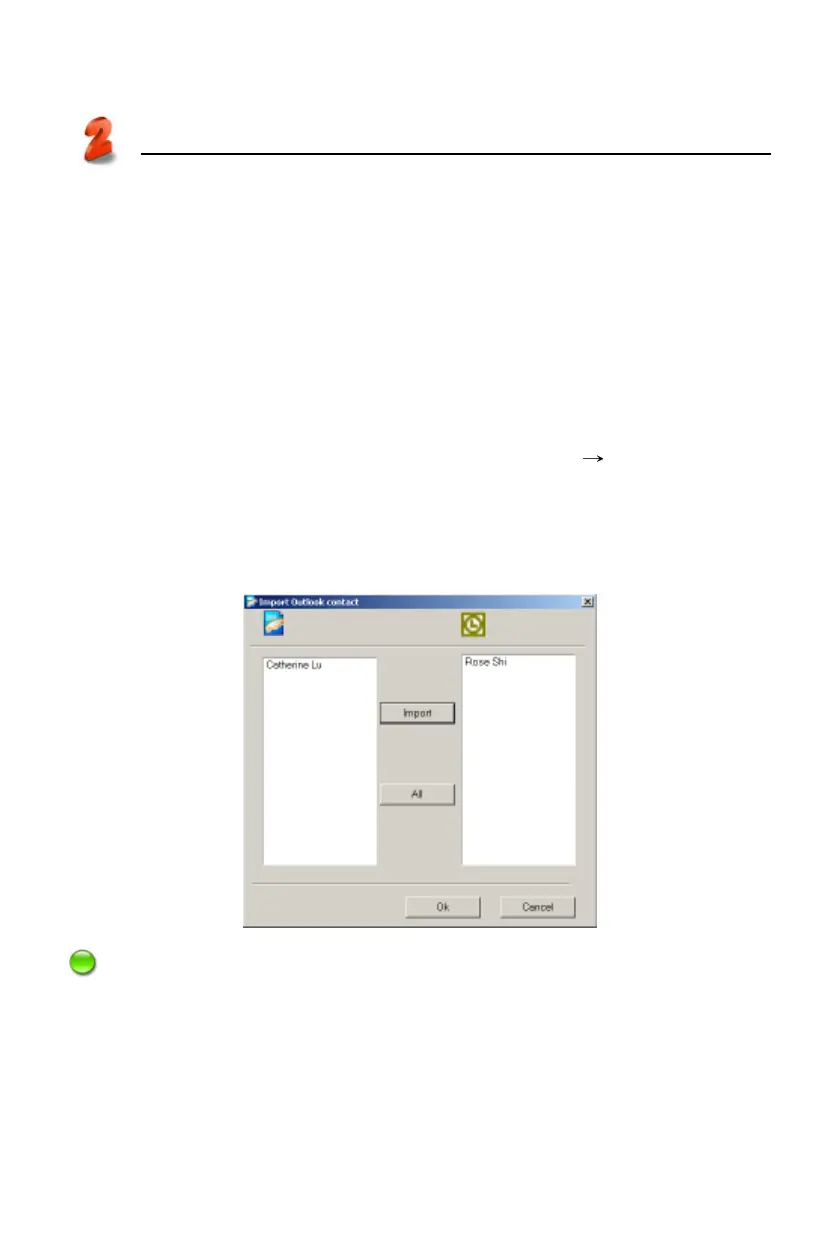
* Tap “Next”, then it displays “Import Outlook Contact” window, select data
from the right side box to be imported, click “Import” and then click “OK” to
import. (Picture 22)
Note: The operation of export is similar to import. Please refer to “Import Data”.
PC Service Home
Import/Export
22



 To Next Page