System
116
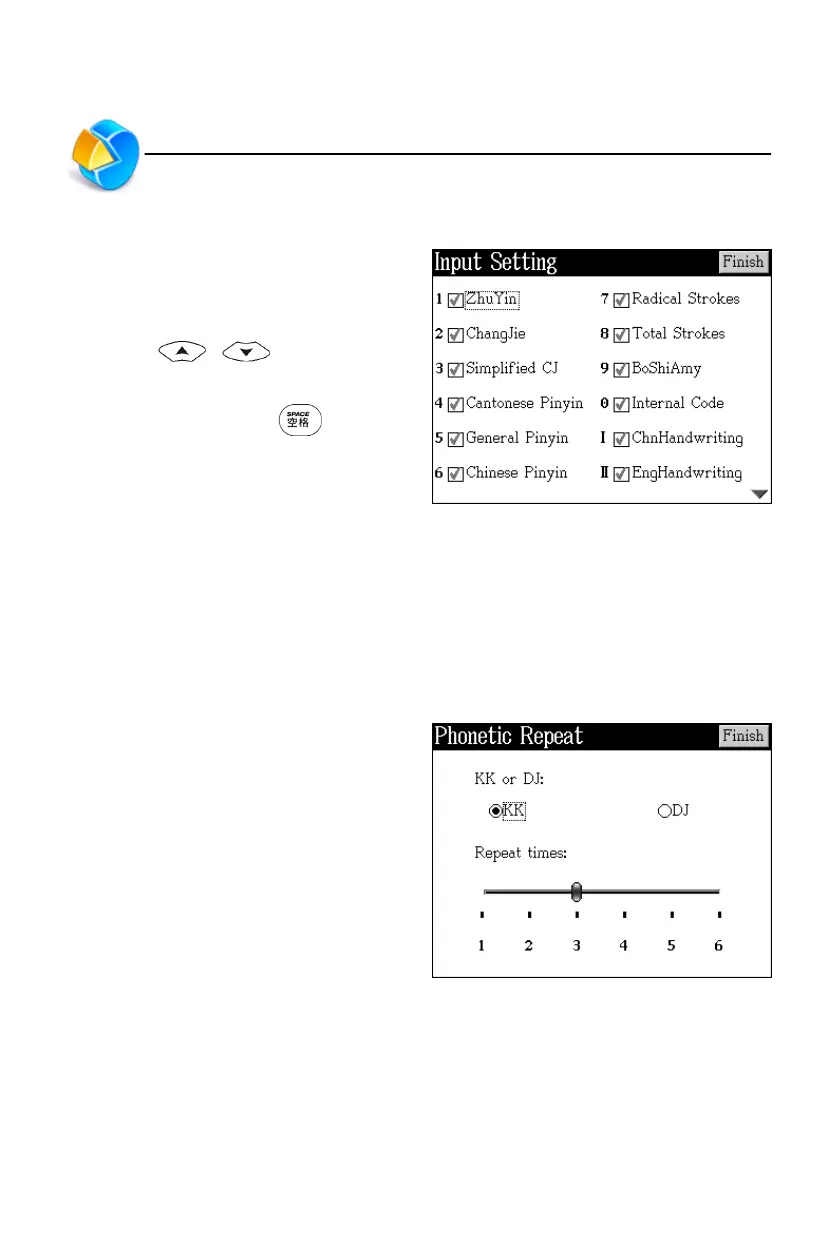
9. Input Setting
You have to select at least one Chinese
keyboard input method, otherwise the
setting can’t be completed.
* Press / to move the
broken line frame to select input
method, then press to tick.
* Tap [Finish] to confirm and return to
the previous screen.
10. Phonetic Repeat
Phonetic display : the display setting of phonetic in the explanation screen of
dictionaries.
Repeat times : the times setting of repetition in the explanation screen of
dictionaries.
Tap corresponding item to set.
Input Setting/Phonetic Repeat



 To Next Page