140
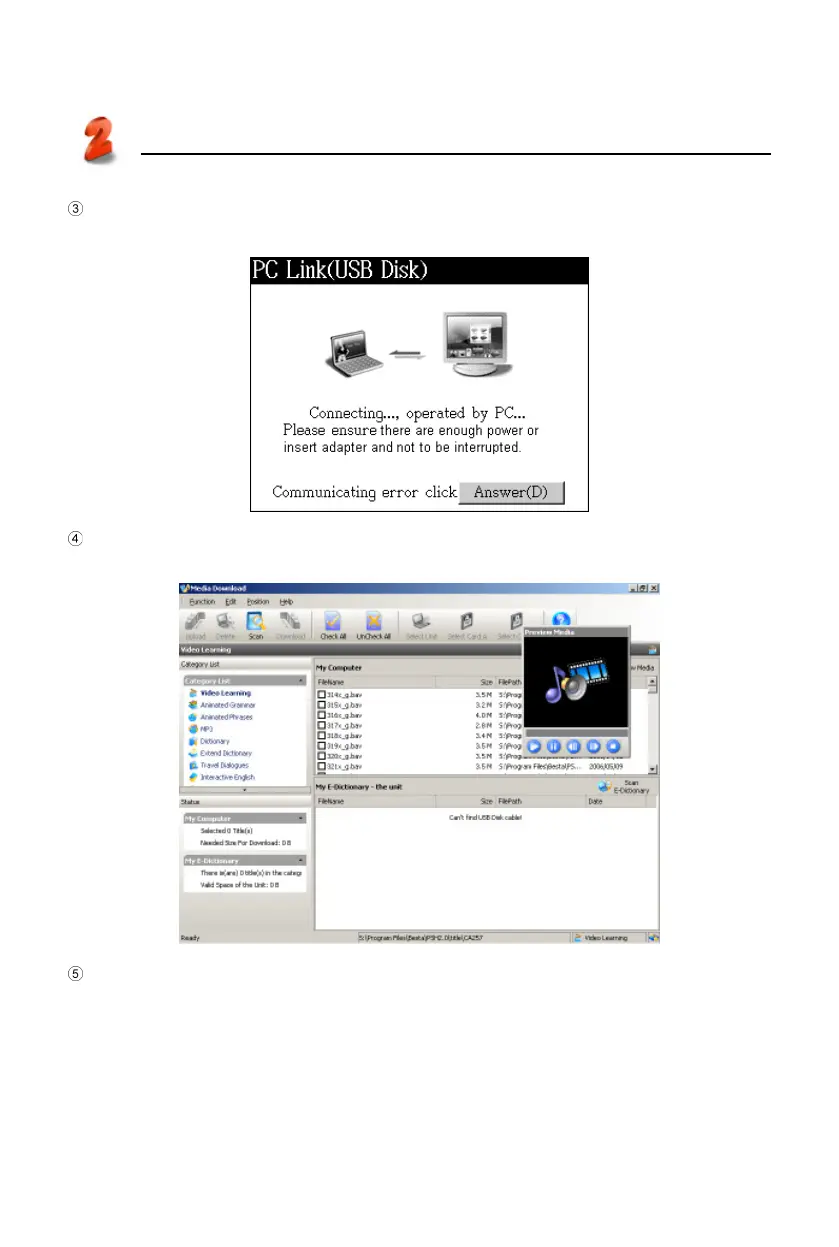
After the USB cable is connected properly, the screen appears as bellow. (You
can select <F4SYS--1 Communication with PC>.)
Click “Media Download” in PC Service Home (in picture 13) to access the down-
load screen as picture 16.
Select category list (such as “eBook”), right-click on the mouse and select
“Open” to browse the content. (Picture 17-1) (Mp3 file and Video Learning can
be played by Preview Media. You can also browse the information before
downloading.) Tap [ESC] to exit.
PC Service Home
Communication
16



 To Next Page