25
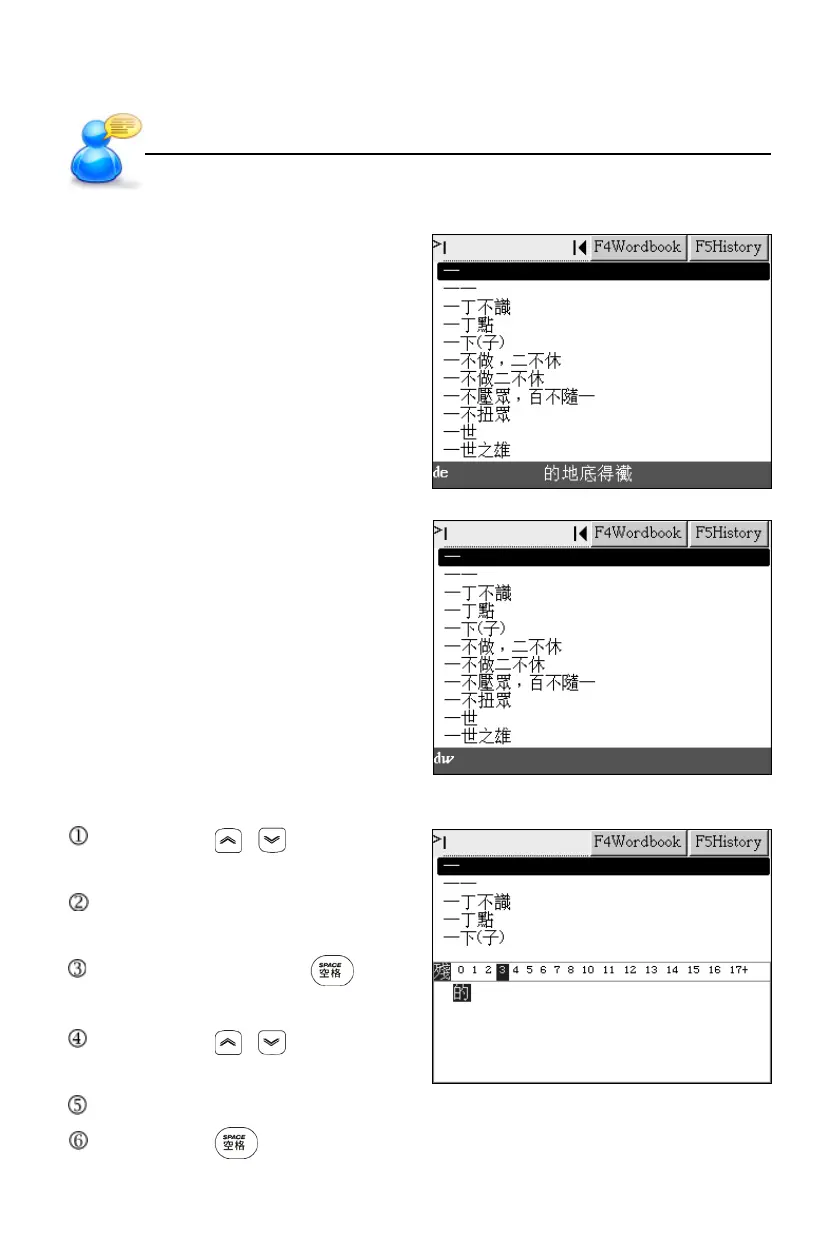
Chinese Pinyin
Input “de.”.
Then tap to select character.
The italics will be displayed if misspelling.
Radical Strokes
Tap or press / to select
radical strokes.
Tap or press direction keys to
select radical or character.
Tap the radical or press to
confirm.
Tap or press / to select the
remanent strokes.
Tap or press direction key to select candidate characters.
Tap or press to confirm.
Input Methods
User’s Guide



 To Next Page