Study
68
During playing:
Press to pause, then press again to continue.
Press to view the related information.
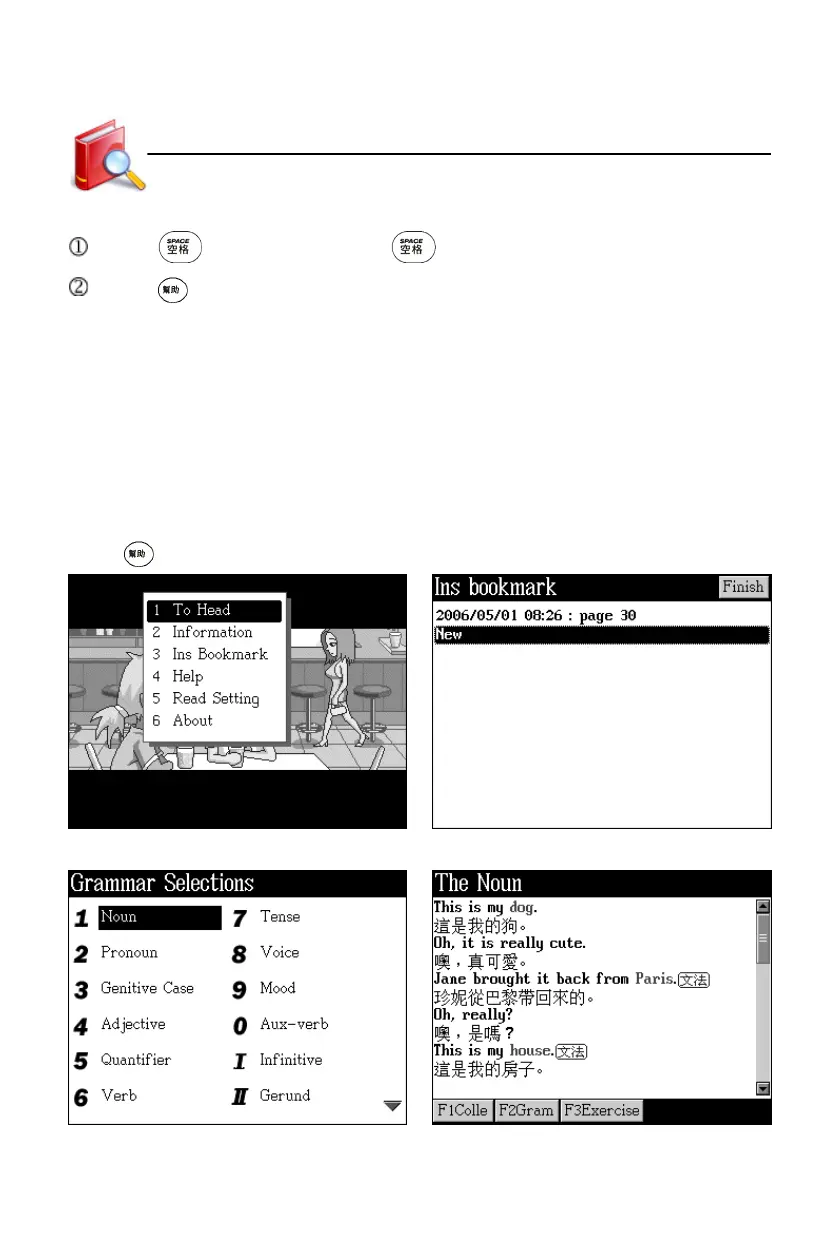
1. To Head : return from the present page to the first one
2. Information : displays book name and publisher’s name, etc.
3. Ins Bookmark : insert bookmarks
4. Read Bookmark : read bookmarks
5. Help : view the on-line help
6. Read Setting : set auto page up/down
7. About : view the copyright notice
Press to open the information menu. Insert bookmark
The list of Grammar Selections Details about Grammar Selections
Animated Grammar



 To Next Page