CB (E6.1) 07/2017 Page 108/145
The message “Warning: Samples and water must be removed!” is displayed. Confirm the
message with “OK” and make sure that all samples were removed from the CB before starting
the hot-air sterilization.
08.02.2017 05:05:06
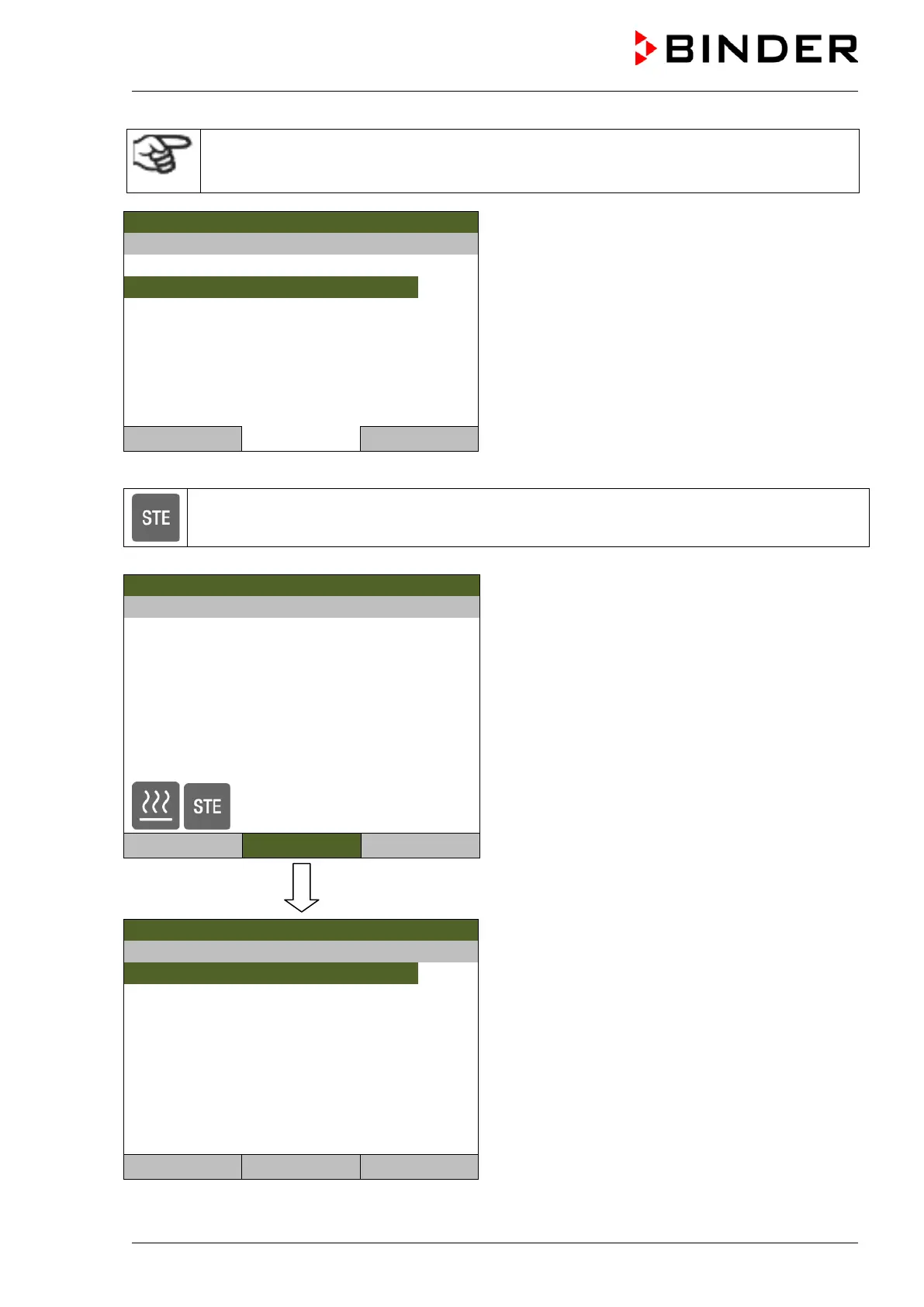
Submenu “Start hot-air sterilization”.
Select “Really start” and press the operating button.
..\ Start hot-air sterilization
Close Home
The controller returns to the initial view, and hot-air sterilization begins.
This symbol on the controller display in the initial view indicates that the hot-air sterilization is
running.
08.02.2017 05:05:06
Initial view during the heating-up phase of the hot-air
sterilization (sample values).
For further information, press the “Info” button.
Temperature [°C]
Section 01 End: 08.03.2013 15.48:19
CO2 [Vol.-%]
O2 [Vol.-%]
User
Menu
08.02.2017 05:05:06
Information menu “Sterilization information”.
Confirm the information with “Ok”.
Sterilization information
Close Ok Home



 To Next Page