CB (E6.1) 07/2017 Page 47/145
6.7 Information
You access chamber information like the chamber type, serial no., firmware version etc. To display the
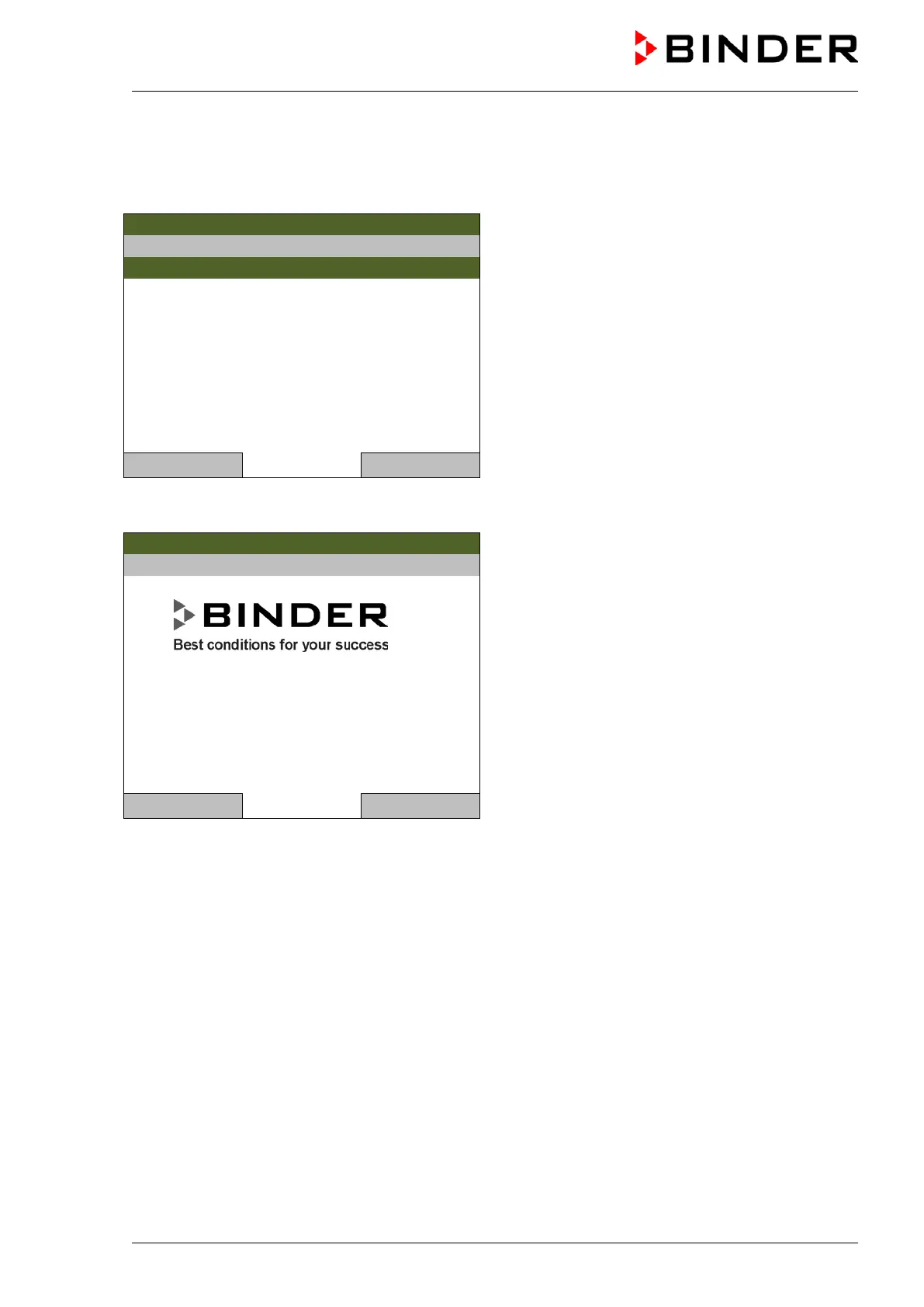
system information, go to Menu > System information
08.03.2013 05:05:06
Submenu “System information” (sample values).
Special application number: 00-0000
Parameter version: 511B-0004-0000
Firmware version (1): 521C-0001-002E
Firmware version (2): 521B-0005-0023
Close Home
To display the BINDER Service contact data, go to Menu > Service contact
08.03.2013 05:05:06
Submenu “Service contact”.
Close Home
Further information windows are accessible under Menu > Settings > Network settings > Show
network settings (chap. 9.9) and – for Service purpose – under Menu > Settings > Chamber
configuration (chap. 9.11).



 To Next Page