CB (E6.1) 07/2017 Page 68/145
9.10 RS 422 address (with optional RS 422 interface)
For chambers equipped with the optional RS 422 interface, the RS 422 address serves to identify the
chamber in a network and to establish communication with the optional BINDER communication software
APT-COM™ 3 DataControlSystem. The factory default setting is “1”.
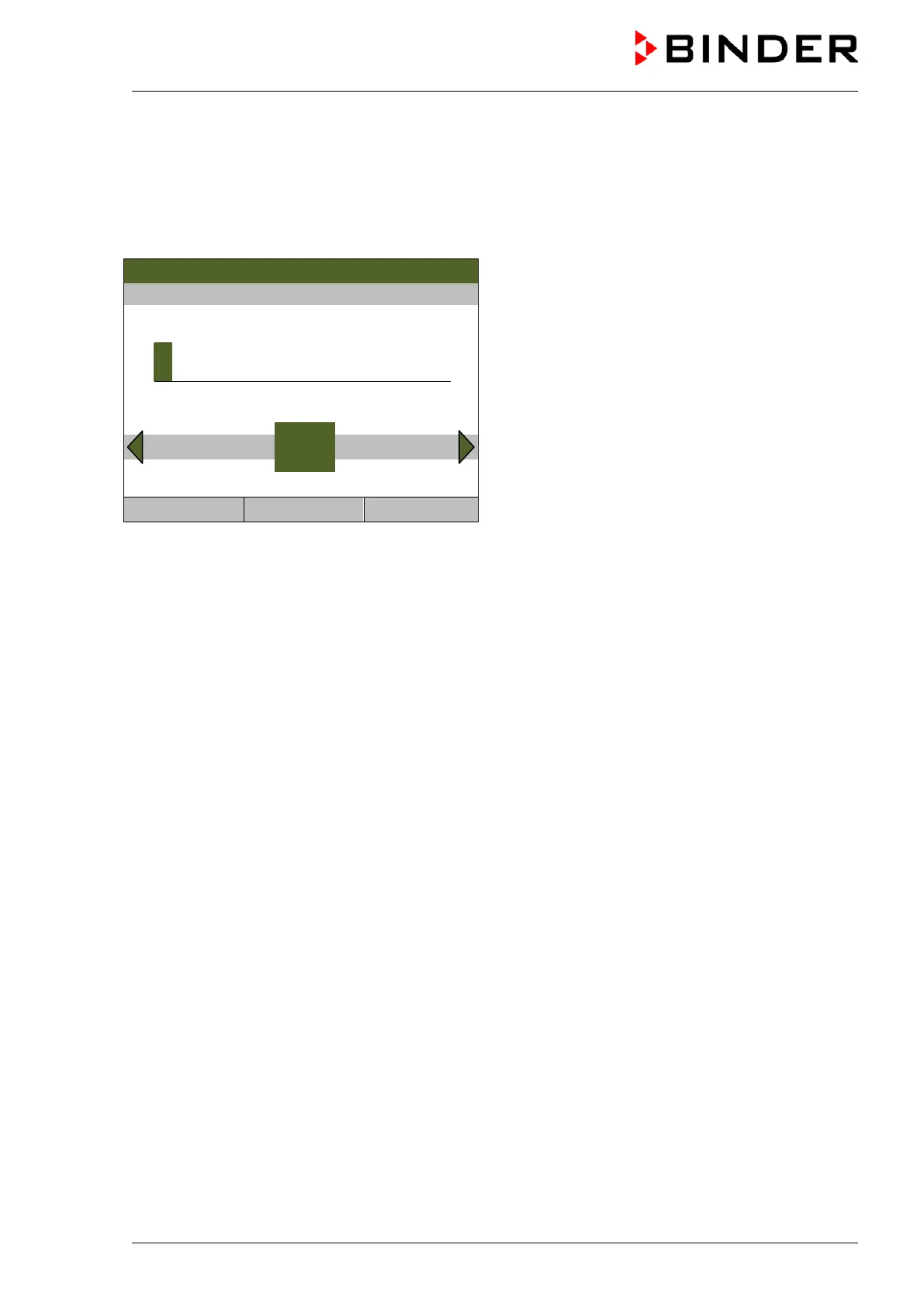
To enter the RS 422 chamber address, go to Menu > Settings > RS 422 address (optional)
08.03.2013 05:05:06
Entry menu “RS 422 address”.
Enter the desired address (1 up to 254) with the
operating button.
Press the “Ok” button to confirm.
1
Pos1 End Ok 0 2 3 4 5 6 7 8 9
Close Ok Home
Go back to the “Settings” menu with “Close” or to the initial view with “Home”.
9.11 Display and entry of the device configuration – for service purpose
Information about the chamber, such as chamber type, name, serial number, firmware version, etc. can
be viewed under Menu > System information (chap. 6.7).
To access the device configuration menu, go to Menu > Settings > Chamber configuration
This menu is password protected and only intended for Service purpose.



 To Next Page