CB (E6.1) 07/2017 Page 85/145
13.2 Defining the display range
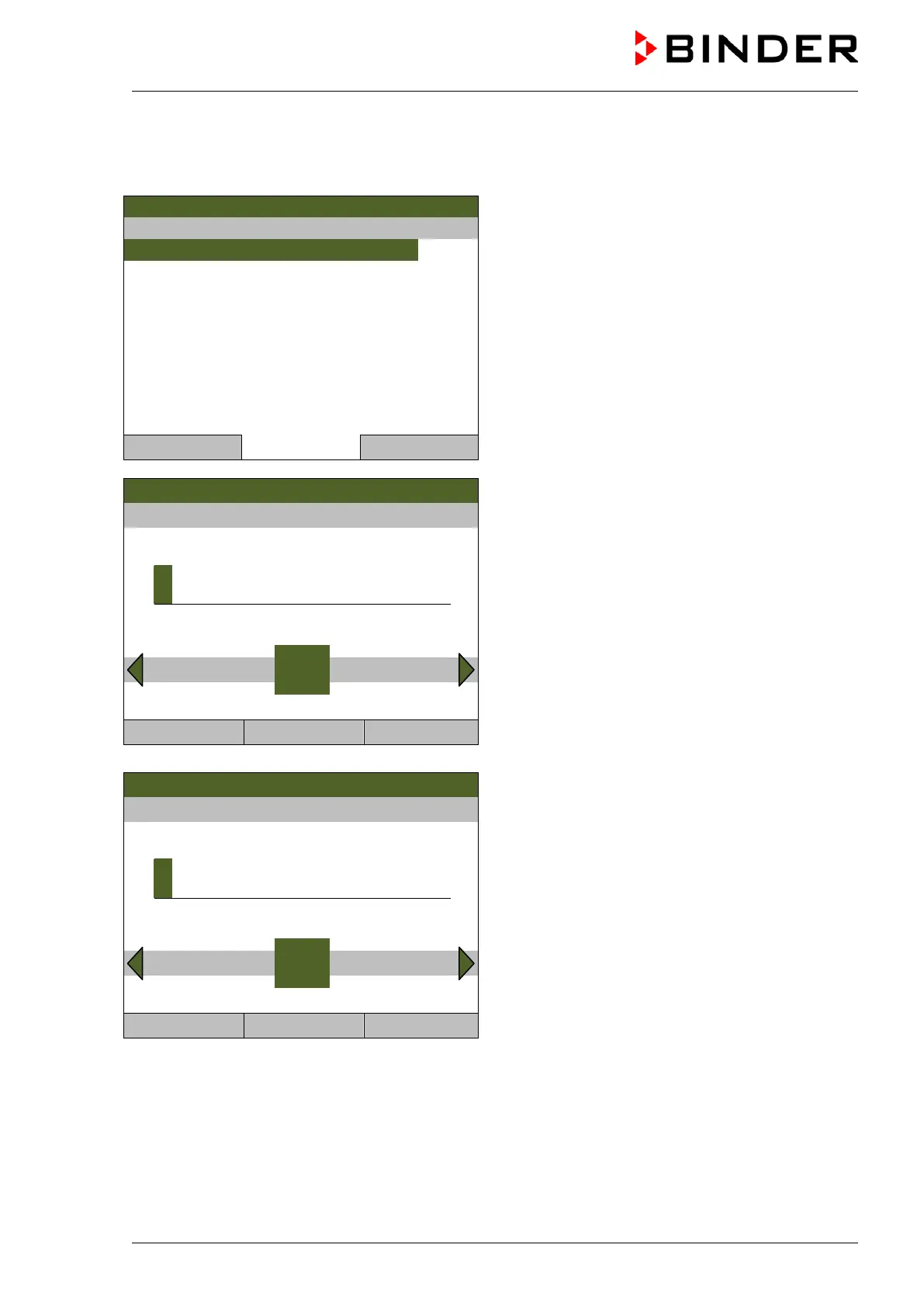
To define the display range, go to Menu > Measurement chart > Settings > Display range
08.03.2013 05:05:06
Submenu “Display range” (unit with O
2
control).
Select the desired parameter
and press the operating button.
Close Home
Fixed value
08.03.2013 05:05:06
Entry menu for temperature “Enter minimum value”.
Enter the desired value with the operating button
and press the operating button to confirm.
..\ Enter minimum value
2
Pos1 End Ok 0 1 3 4 5 6 7 8 9 . -
Close Ok Home
Fixed value
08.03.2013 05:05:06
Entry menu for temperature “Enter maximum value”.
Enter the desired value with the operating button
and press the operating button to confirm.
..\ Enter maximum value
4
End Ok 0 1 2 3 5 6 7 8 9 . - Del
Close Ok Home
You can now define the view range of the other parameters or press the “Close” button twice to go back
to the graphic display.



 To Next Page