CB (E6.1) 07/2017 Page 52/145
7.4 Entering the setpoints via general menu
To enter setpoints via general menu, go to Menu > Setpoints
08.03.2013 05:05:06
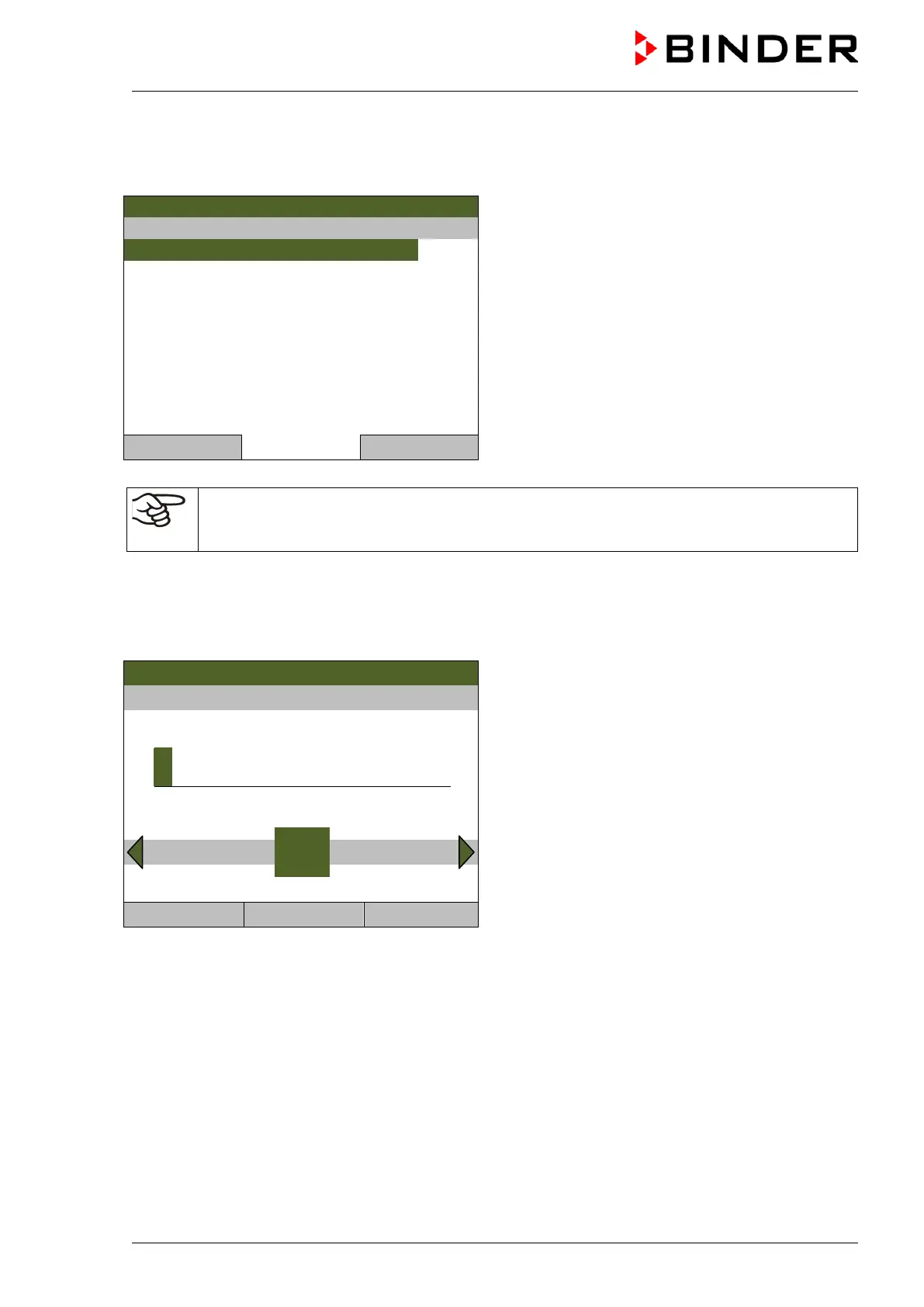
Submenu “Setpoints”.
(item “O2 setpoint” only coming with chamber with
O
2
control)
Select the desired parameter
and press the operating button.
Close Home
When trying to enter a setpoint in the „Controller off“ operating mode, a notification window
shows “Controller mode is OFF!”. Press the operating button to confirm with “Ok” and change
the operating mode to “Fixed value” (chap. 6.2.1).
Temperature setting
To enter the temperature setpoint, go to Menu > Setpoints > Temperature setpoint
08.03.2013 05:05:06
Entry menu “Temperature setpoint”.
Select each number with the operating button and
press the operating button to confirm.
Setting range: 20 °C / 68 °F up to 60 °C / 140 °F.
Press the “Ok” button to confirm.
3
End Ok 0 1 2 4 5 6 7 8 9 Ins
Close Ok Home
When entering a value outside the setting range, the message “invalid value” appears. Press the
operating button to confirm with “Ok” and repeat the entry with a correct value.
Go back to the initial view with “Home” or enter the CO
2
concentration.



 To Next Page