CB (E6.1) 07/2017 Page 53/145
Setting the CO
2
concentration
To enter the CO
2
setpoint, go to Menu > Setpoints > CO2 setpoint
08.03.2013 05:05:06
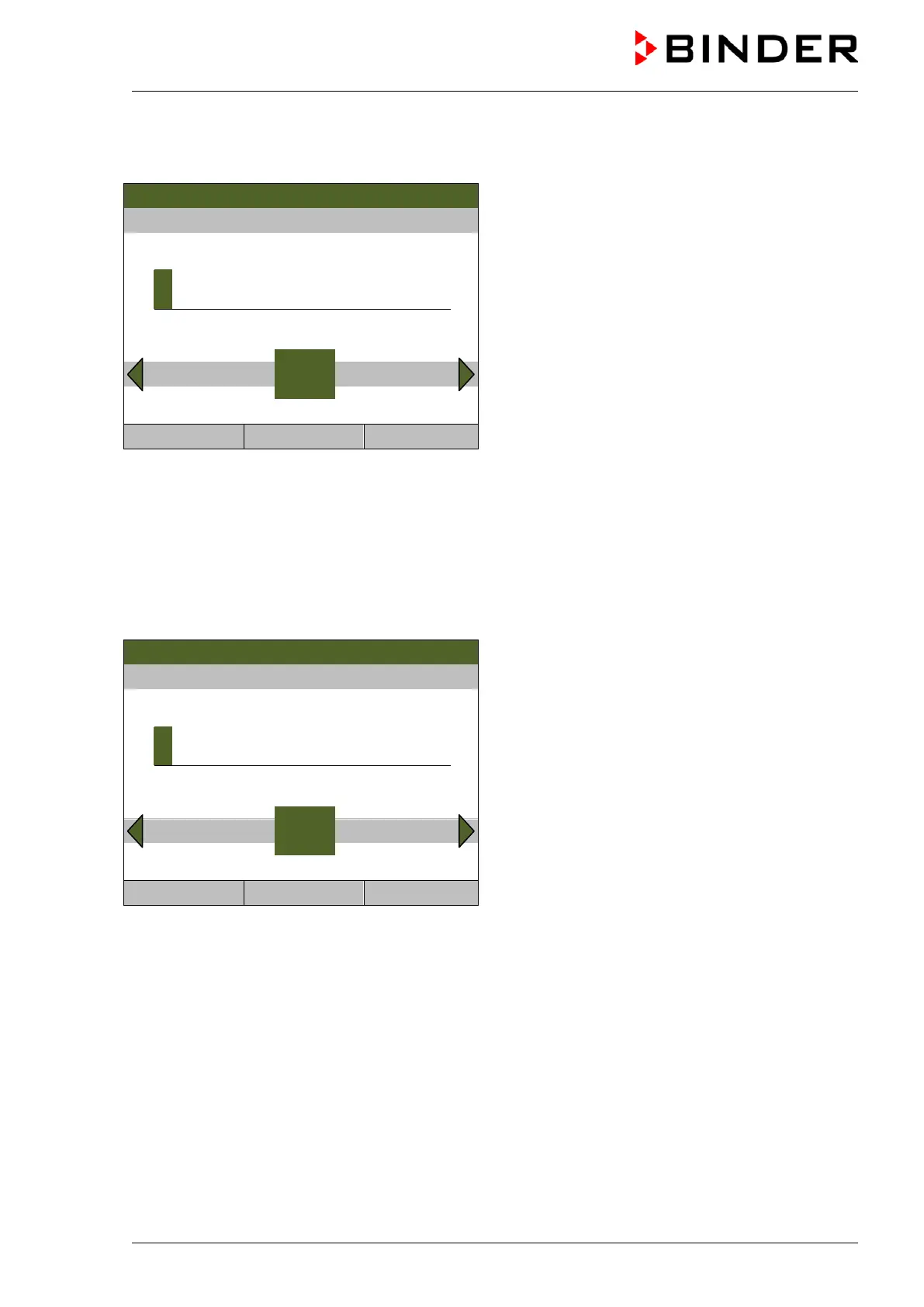
Entry menu “CO2 setpoint”.
Select each number with the operating button and
press the operating button to confirm.
Setting range: 0 vol.-% up to 20 vol.-%.
Press the “Ok” button to confirm.
5
End Ok 0 1 2 3 4 6 7 8 9 Ins Del
Close Ok Home
When entering a value outside the setting range, the message “invalid value” appears. Press the
operating button to confirm with “Ok” and repeat the entry with a correct value.
Go back to the initial view with “Home” or enter the O
2
concentration (chamber with O
2
control).
Setting the O
2
concentration (chamber with O
2
control)
To enter the O
2
setpoint, go to Menu > Setpoints > O2 setpoint
Fixed value
08.03.2013 05:05:06
Entry menu “O2 setpoint”.
Select each number with the operating button and
press the operating button to confirm.
Setting range: 0.2 vol.-% up to 95 vol.-%.
Press the “Ok” button to confirm.
..\ O2 setpoint
2
Pos1 End Ok 0 1
3 4 5 6 7 8 9
Close Ok Home
When entering a value outside the setting range, the message “invalid value” appears. Press the
operating button to confirm with “Ok” and repeat the entry with a correct value.
Go back to the initial view with “Home”.



 To Next Page