CB (E6.1) 07/2017 Page 78/145
11.5.5 Setting the delay time after opening the door
To enter the delay time for the door open alarm, go to Menu > Alarms > Door alarm delay
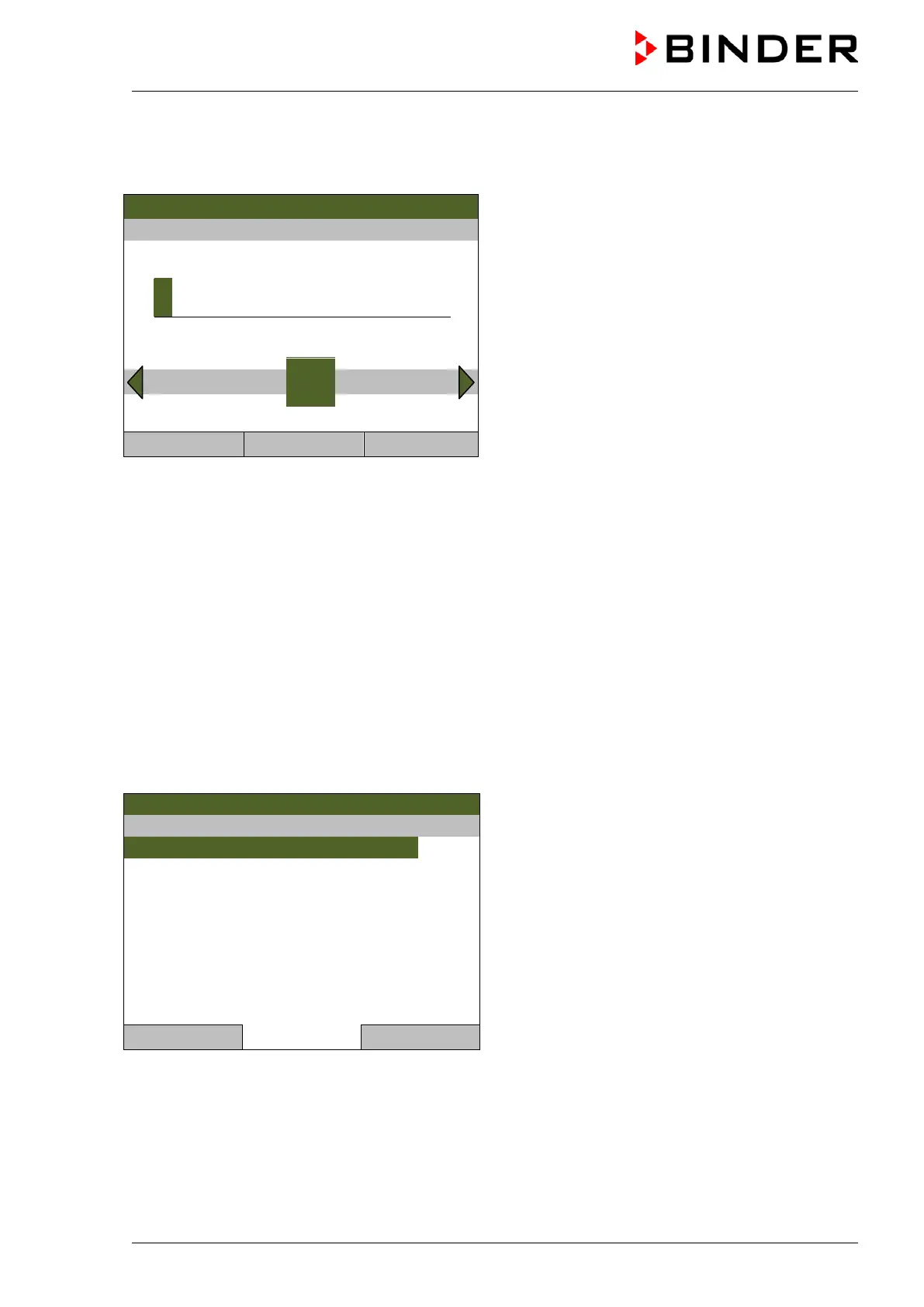
Enter door alarm delay [min]
08.03.2013 05:05:06
Entry menu “Door alarm delay”
Enter the desired delay time in minutes with the
operating button.
Setting range: 1 up to 999
Press the “Ok” button to confirm.
1
Pos1 End Ok 0 2 3 4 5 6 7 8 9
Close Ok Home
When entering a value outside the setting range, the message “invalid value” appears. Press the
operating button to confirm with “Ok” and repeat the entry with a correct value.
11.5.6 Tolerance ranges and alarm delay times
For temperature, CO
2
, and O
2
you can enter a value which defines a tolerance range around the
setpoint value. Example: Temperature setpoint: 37 °C, tolerance range value: ±2 °C, i.e. this defines a
tolerance range from 35 °C up to 39 °C. If the actual value, after having reached the setpoint, deviates by
more than the set tolerance range value and longer than 10 min. from the setpoint or the temperature
doesn’t reach the tolerance range within 3 hours from turning on the chamber or closing the door,
tolerance alarm is triggered.
To define the tolerance ranges and the alarm delay times for the individual parameters, go to
Menu > Alarms > Tolerance ranges
08.03.2013 05:05:06
Submenu “Tolerance ranges”.
Select the desired parameter
and press the operating button.
Close Home



 To Next Page