CB (E6.1) 07/2017 Page 107/145
Note: in the case when two chambers are directly stacked on top of each other without using the original
BINDER stacking stand or the BINDER stacking adapter, the exact maintenance of the incubation set
parameters in one of the chambers while carrying out sterilization in the other one cannot be assured.
Therefore, without using the stacking stand or the stacking adapter, safe incubation is not possible during
sterilization of the other chamber. We recommend using a stacking stand (chap. 15.8.1) or a stacking
adapter (chap. 15.8.2).
18.3.2 Performing a hot-air sterilization
Before carrying out the first hot-air sterilization, remove any protective lamination sheet from
the inner metal surfaces.
When starting a hot-air sterilization, all gas controls automatically deactivate.
The safety controller settings are inactive during sterilization. They become functional again
following abortion of the sterilization and/or restart of the chamber at the main power switch.
The O
2
sensor must be plugged in during a hot-air sterilization.
• Empty the Permadry™ water pan.
WARNING
Danger of implosion.
Destruction of the chamber.
Empty the Permadry™ water pan before starting the hot-air sterilization.
• Water pans and shelves must be inside the chamber.
• Close the inner glass door and the outer chamber door.
• Activate the sterilization procedure in the controller.
Before starting a hot-air sterilization, the entire interior must be clean and dry. No residue of
e.g., water, medium or plastic must remain inside the chamber.
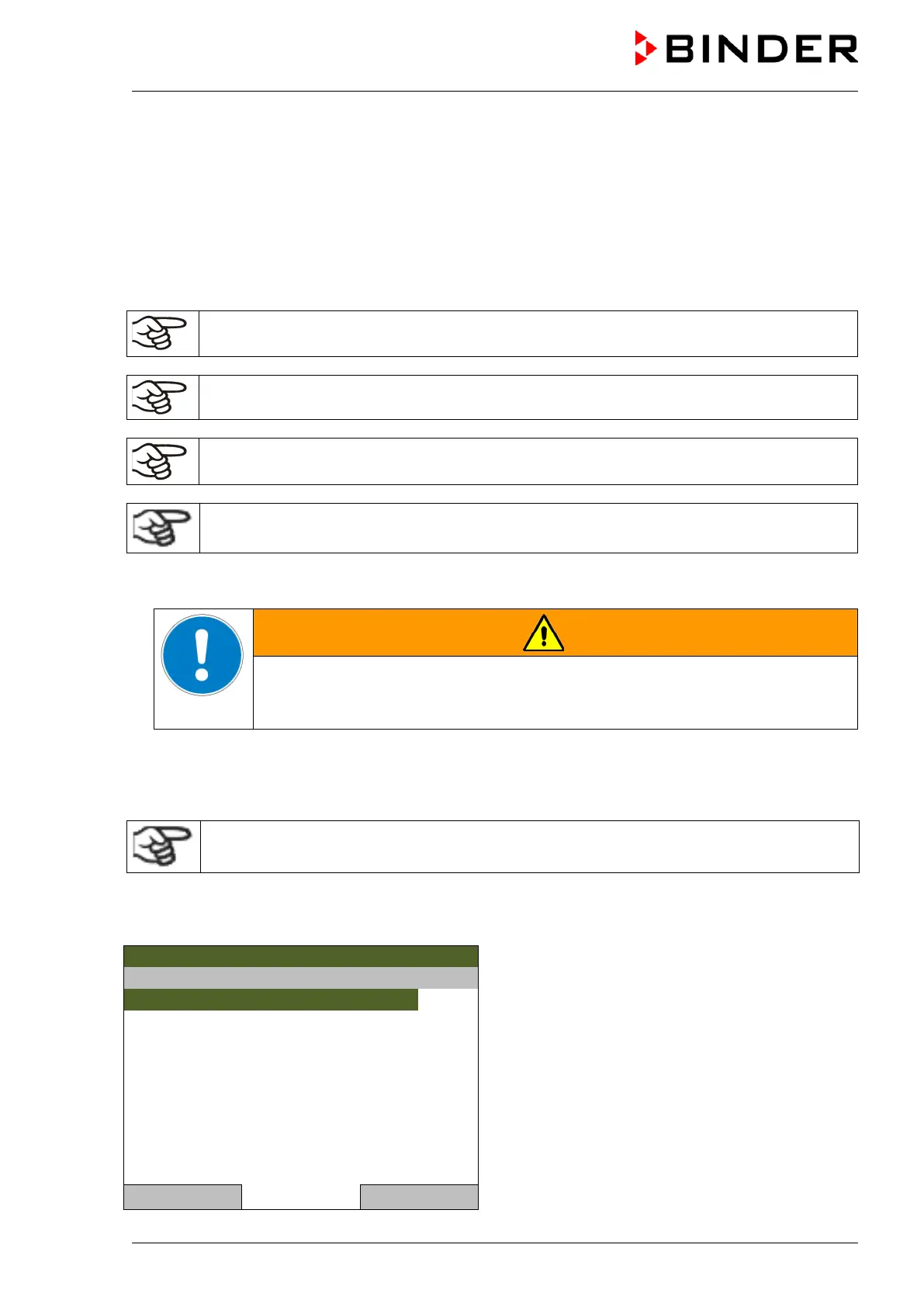
To start the hot-air sterilization cycle, go to Menu > Hot-air sterilization
or Quick menu > Hot-air sterilization
08.02.2017 05:05:06
Submenu “Hot-air sterilization”.
Select “Start”
and press the operating button.
..\ Hot-air sterilization
Close Home



 To Next Page