CB (E6.1) 07/2017 Page 54/145
8. Key lock
The key lock function serves to block the access to the controller. When the “key lock” function is
activated, the controller changes to the initial view and can only be changed when entering the current
password.
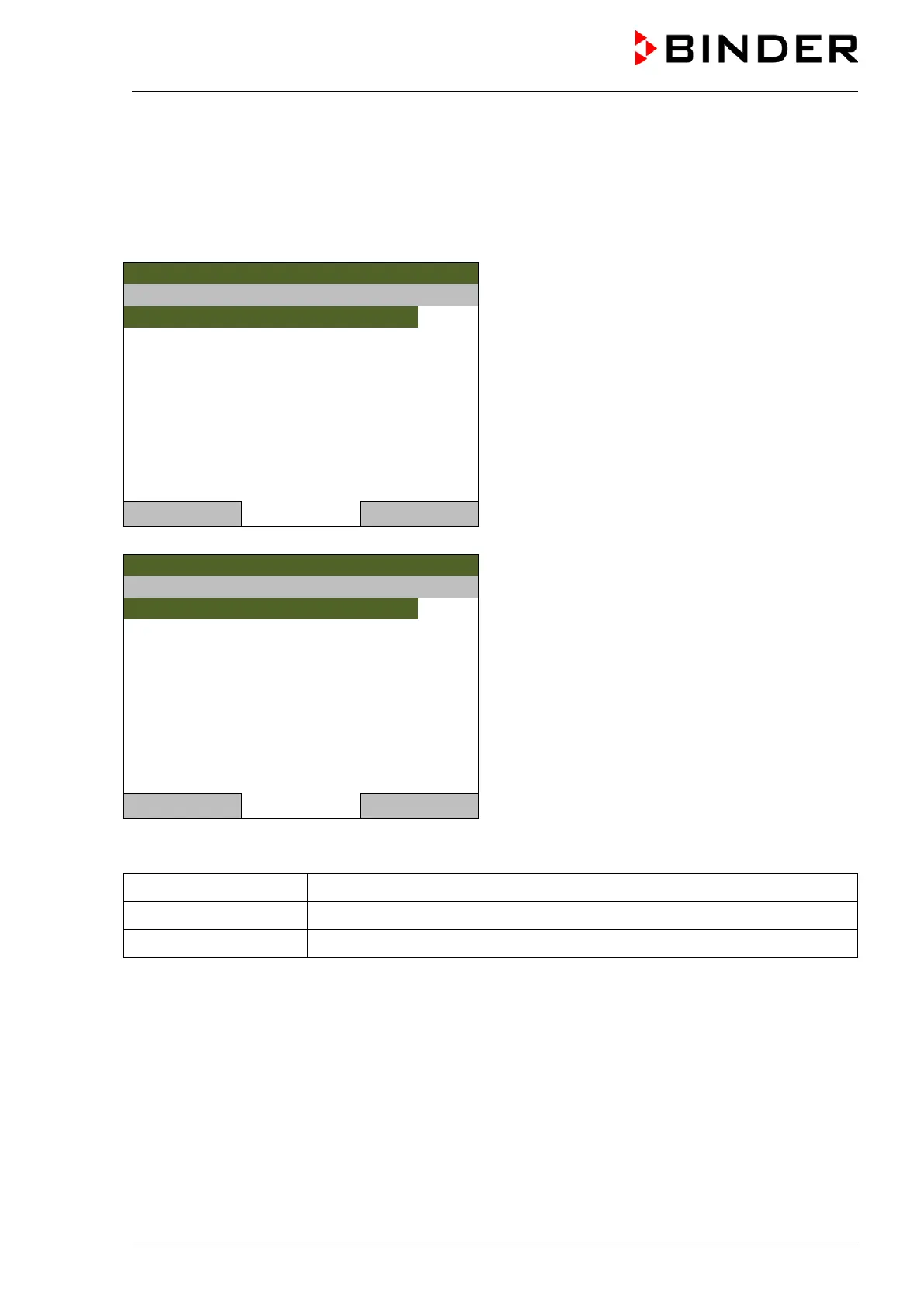
To configure the key lock function, go to User > Key lock
08.03.2013 05:05:06
“User” menu.
Select “Key lock”
and press the operating button.
08.03.2013 05:05:06
Submenu “Key lock”.
Select the desired function
and press the operating button.
Close Home
Key lock On The key lock is directly activated
Automatic key lock The key lock is activated automatically after a defined waiting time
Password Change password for unlocking. Factory setting: 0000



 To Next Page