CB (E6.1) 07/2017 Page 111/145
08.02.2017 05:05:06
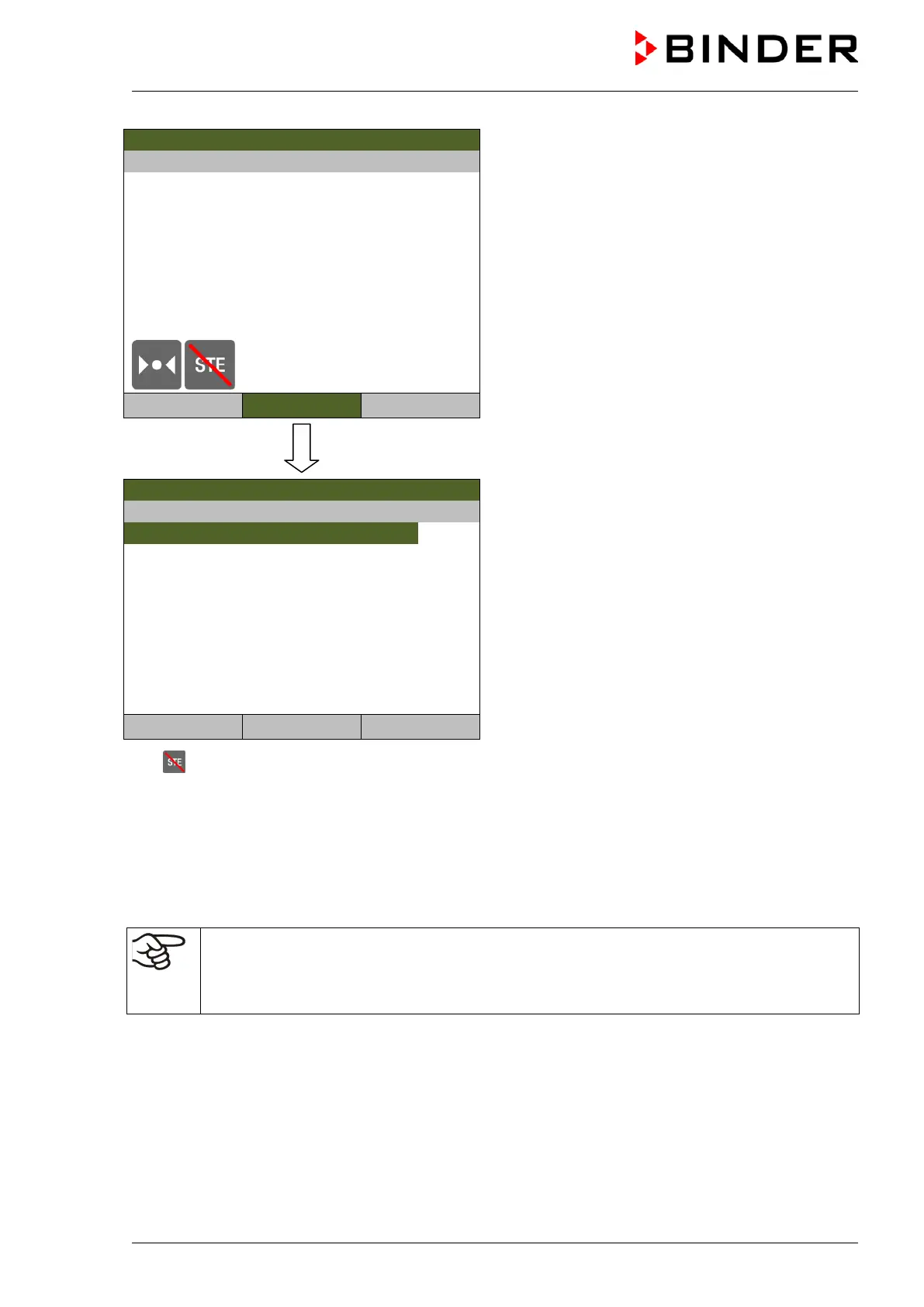
Initial view after aborting the hot-air sterilization
(sample values).
For further information, press the “Info” button.
Temperature [°C]
CO2 [Vol.-%]
O2 [Vol.-%]
User
Menu
Sterilization information
08.02.2017 05:05:06
Information menu “Sterilization information”.
Confirm the information with “Ok”.
Sterilization information
Close Ok Home
The symbol then disappears from the controller display.
Gas control (CO
2
, and O
2
(chamber with O
2
control) is deactivated during the sterilization cycle. To
activate gas control, the following conditions are required:
1. Aborting the hot-air sterilization cycle
2. Confirming the information message “STERILIZATION ABORTED” with “Ok”
3. Inner chamber temperature below 80 °C
If the temperature exceeds < 80 °C, gas control will remain deactivated even after aborting the
sterilization cycle and confirming the information message “STERILIZATION ABORTED” with
“Ok”.
Only after the temperature has decreased below 80 °C, gas control will turn on again.
Following abortion of the sterilization cycle:
• If necessary, repeat the sterilization.
• When the inner chamber has cooled down to a value below 60 °C / 140°F, turn on the chamber (chap.
5).



 To Next Page