CB (E6.1) 07/2017 Page 89/145
08.03.2013 05:05:06
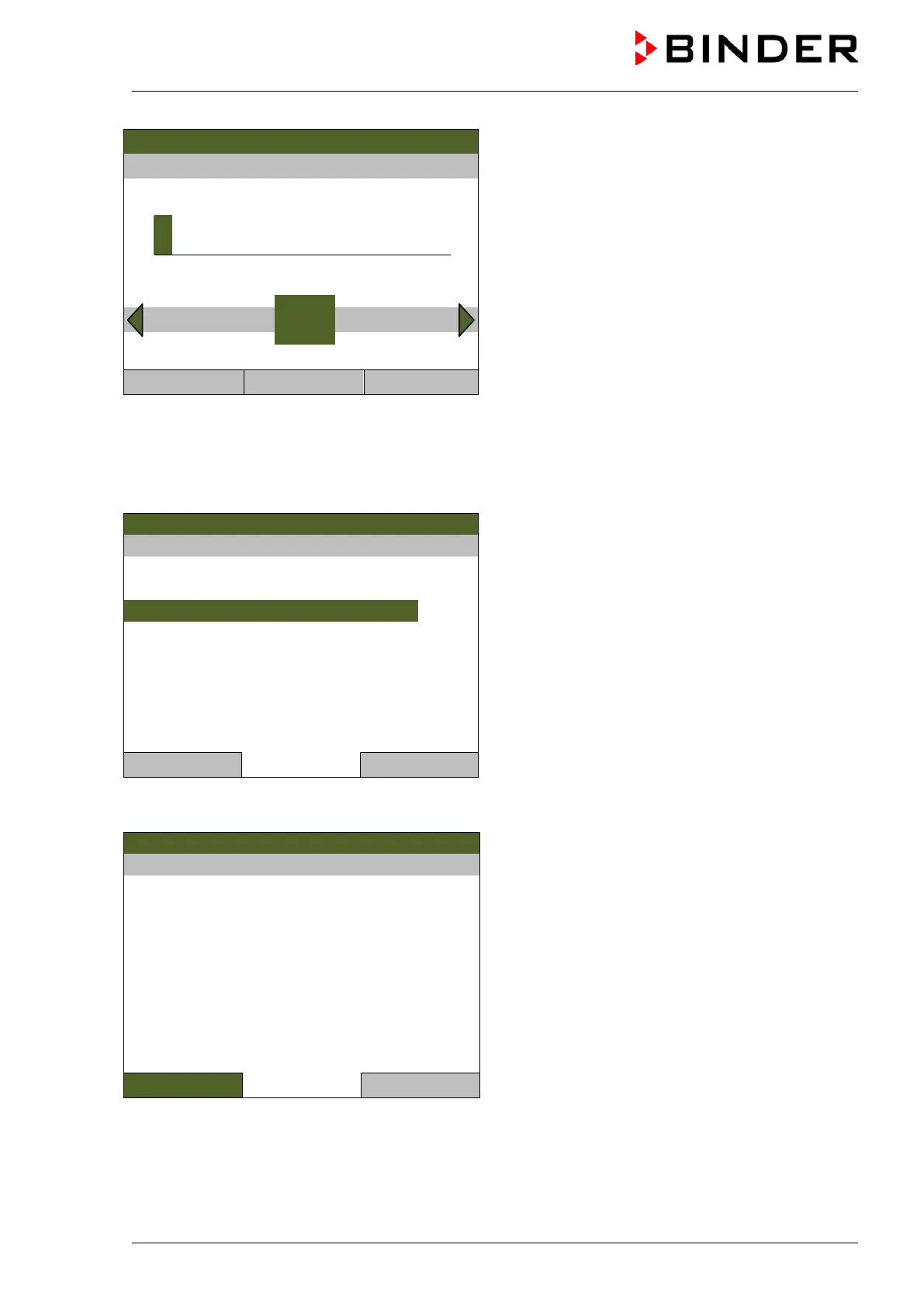
Entry menu “Safety controller overtemperature”.
Enter the desired value with the operating button
and press the operating button to confirm.
Press the “Ok” button to confirm.
..\ Safety controller overtemperature
3
End Ok 0 1 2 4 5 6 7 8 9 Del
Close Ok Home
Go one level back with the “Close” button or back to the initial view with “Home”.
Overview of the current settings
You can check the current settings of the safety controller:
08.03.2013 05:05:06
Submenu “Safety controller”
Select “Show settings”
and press the operating button.
Close Home
The overview display shows the setpoints and actual values of the main temperature controller and the
safety controller and indicates the safety controller mode.
08.03.2013 05:05:06
Overview display with “Limit” mode
(example values)
Setpoint Actual value
Chamber temperature [°C]
Safety controller mode
Limit (absolute)
Safety controller [°C]
Close
Home



 To Next Page