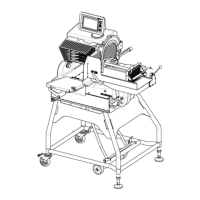
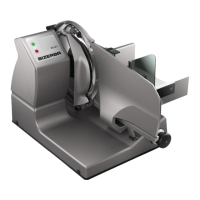
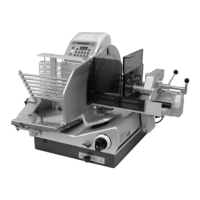
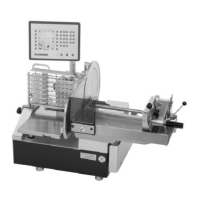
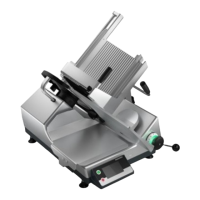
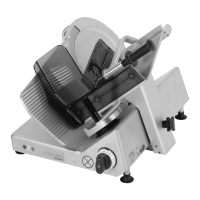
Instruction manual NSF VSI / VSI W / VSI T / VSI
TW Machine and operating elements
38065447002 en-US 31 / 101
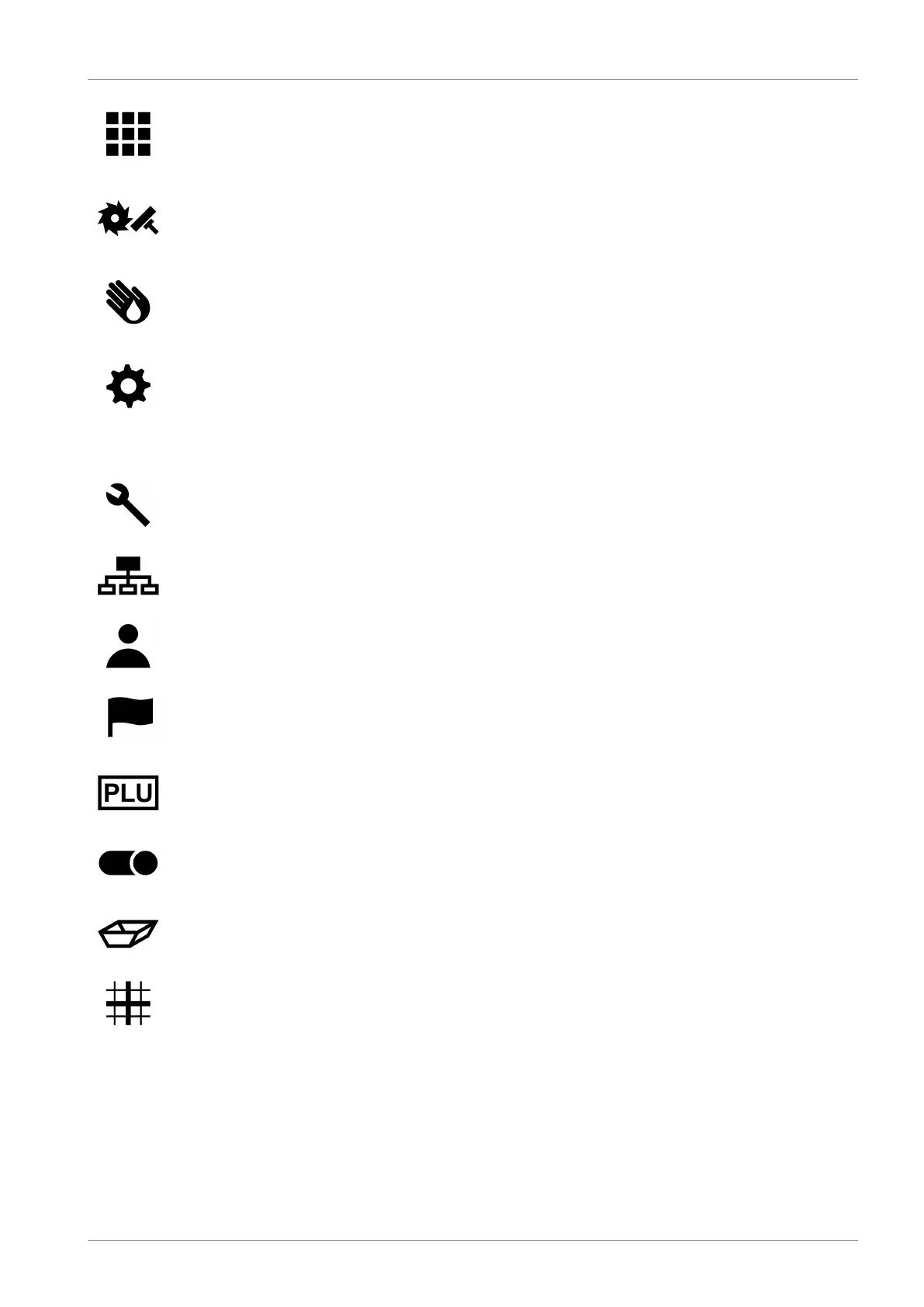
Parameter
After pressing the icon, the operator page with all parameters
(parameter page) comes up on the touch screen.
Sharpening
After pressing the icon, notes on the further operating proce-
dure appear on the touch screen.
Cleaning
After pressing the icon, notes on the further operating proce-
dure appear on the touch screen.
Settings
After pressing the icon, the page for various settings comes up
on the touch screen.
Settings:
Machine settings
Software settings
Operator settings
Setting of language for user guidance
Slicing program
Products
Depositing area or packaging, where the sliced product is to be
deposited
Depositing type
Selectable are:
– Stacking
– Shingling lengthwise
– Shingling crosswise
– Circular pattern
– Shaving
Filter characteristic in the search mask.


 To Next Page
 Loading...