9E-926 16 SmartControl™ Meter & TouchPoint™
Operation Instructions
2.1.8.2 Lock Keys
After the keypad has been unlocked it should be locked to pre-
vent a function from being accidentally selected. To lock the
keypad after it has been unlocked scroll through the Function
keys to select the [Lock Keys] (F3) Function key.
Parameters:
1. SmartDairy™ Controller not required
2. Used on all parlor types
Procedure:
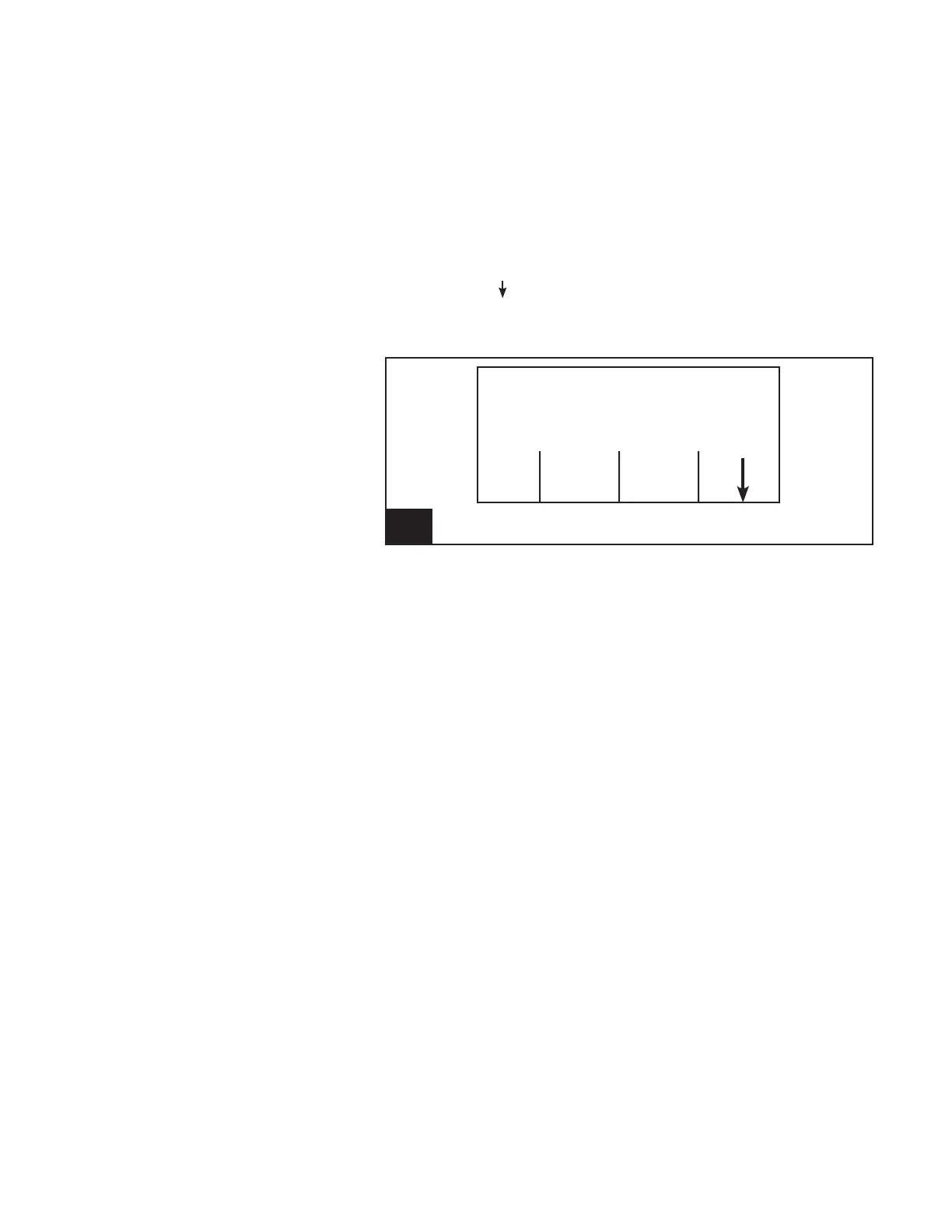
1. Using the [ ] (F4) key scroll through the available Function
Keys until [Lock Keys] is available.
2. Press the appropriate Function Key (F3).
L/min Fills
Washing
Strt End Lock
Wash Wash Keys
4. Screen 2: Unlocked Keys l926_4



 To Next Page