9E-926 64 SmartControl™ Meter & TouchPoint™
Operation Instructions
7. Service
—NOTICE————————
• Review the instructions on page
2 under the heading “Responsi-
bilities” and perform only those
steps in this section that you are
responsible for performing.
• Review the personal safety mes-
sages and installation specica-
tions in Section 1 and instructions
throughout this packet before
starting the procedure(s) in this
section.
This section covers replacement of simple control and meter
parts and assemblies. Instructions for more complicated parts
and assemblies are in the repair kits for those parts.
7.1 Replacing the Controls
Use the Troubleshooting Guide (Table 6) to nd out whether
the control is defective. If defective, replace the entire Touch-
Point control or replace the control circuit board in the Smart-
Control Meter.
7.1.1 To change parameters or upgrade the
software for a control to be used for
replacement
If either a TouchPoint or SmartControl circuit board is to be
replaced during a milking and the software on the rest of the
controls does not need to be upgraded use the following pro-
cedure:
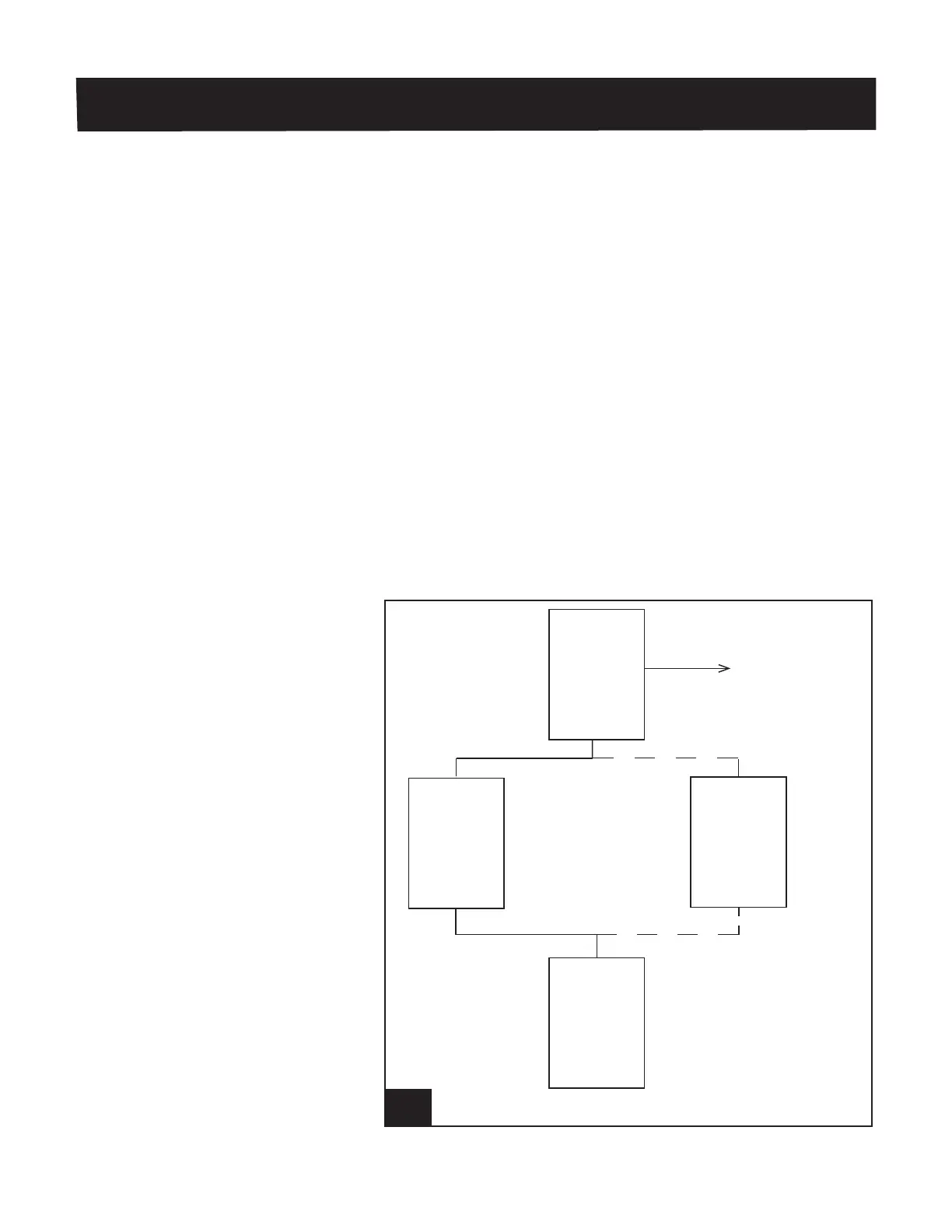
See Figure 32 for power and communication connections. Bou-
Matic has a wired assembly that contains the power supply,
communication converter and cables (contact BouMatic Cus-
tomer Service for additional information).
32. CongurationtoprogramasingleTouchPointor
SmartControl l926_32
BouMatic
PRISM
Communication
Converter
J2, pins 1, 3
and 5
TouchPoint
J1, pins 1 and 3
J2, pins 1, 3
and 5
SmartControl
Meter
J1, pins 1 and 3
+24 VDC
Power
Supply
To USB port on PC
PRISM Communication Cable
DC Power Cable
OR



 To Next Page