SmartControl™ Meter & TouchPoint™ 33 9E-926
Operation Instructions
2.1.11 Diagnostic Functions
2.1.11.1 Communication Test
During installation of the TouchPoint or SmartControl Meter
it may be necessary to test the wiring of the communication
cables. The communication cable from the TouchPoint to the
SmartControl or the cable that goes from the SmartControl to
SmartControl or the SmartDairy Controller can also be tested.
The communication test can be started at any TouchPoint on
the network that is not in Wash mode. If all the wiring is cor-
rect the communication test will turn the LED status indicator
yellow on all TouchPoints and turn on the yellow status LED on
on the SmartControl Meter. After the LEDs have been turned
on for 3/10 of a second the TouchPoint will send a command
to turn off the LEDs on all of the controls. This sequence will
continue until the function is turned off at any TouchPoint, or
if the TouchPoint that was used to start the test gets attached.
Controls that are currently milking cows, or that are attached
during the test, will ignore the test and will not ash the yel-
low LED.
Parameters:
1. SmartDairy Controller not required
2. Used on all parlor types
Procedure:
1. Enter “9173” to unlock the keypad if not Attached.
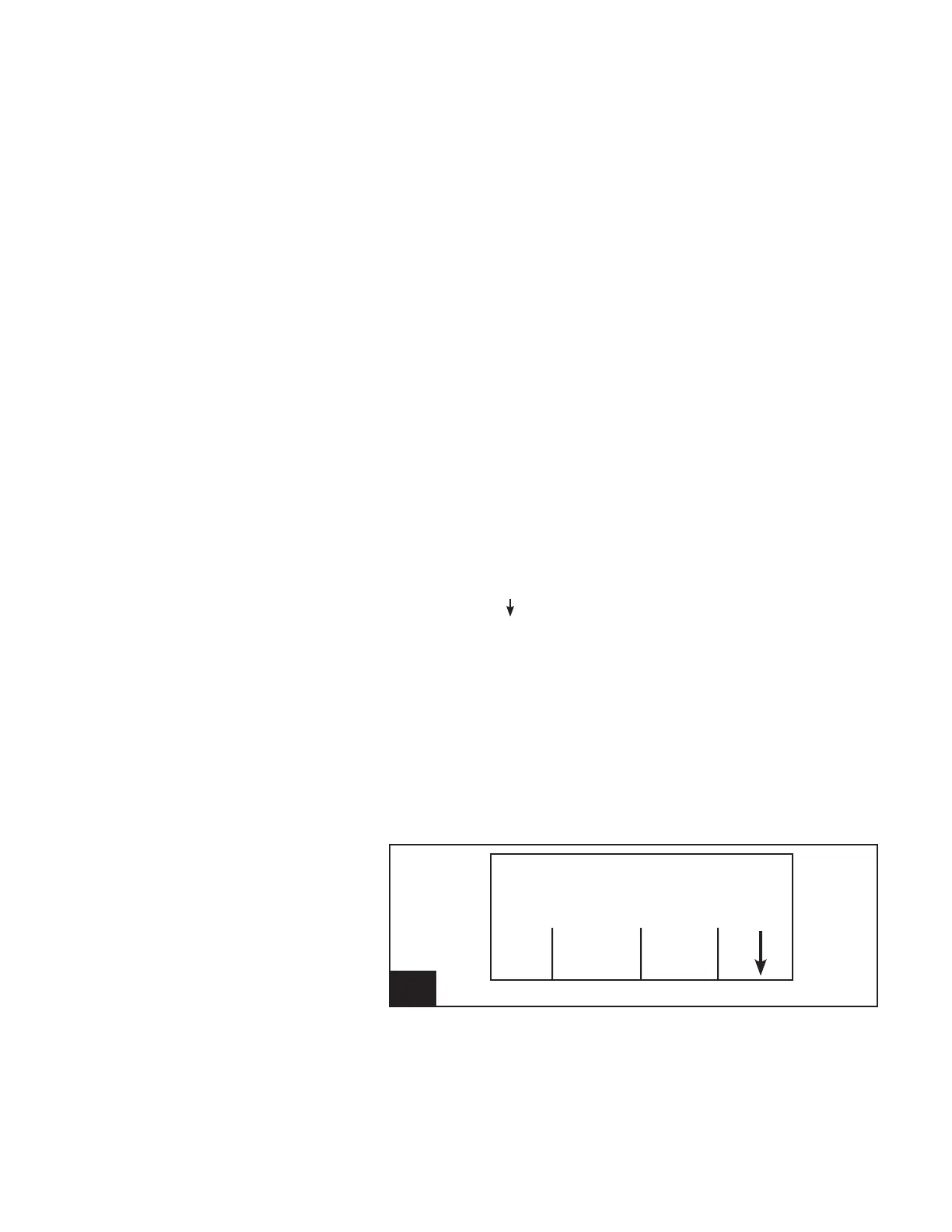
2. Using the [ ] (F4) key, scroll through the available Func-
tion Keys until [ON] [Comm Test] [OFF] are available.
3. Press the [ON] (F1) Function key to start the communica-
tion test.
4. Conrm or cancel the communication test function.
-Press [No] (F1) to cancel the communication test
function.
-Press [Yes] (F4) to conrm that the communication
test is to start.
5. Press the [OFF] (F3) Function key to stop the communica-
tion test.
26. Screen 24: Communications Test l926_26
Cow Number
Cow -----
Milk Weight (lb) .00
Comm
ON Test OFF



 To Next Page