SmartControl™ Meter & TouchPoint™ 23 9E-926
Operation Instructions
2.1.9.2 Wash, Start
All TouchPoint & SmartControl Meters in that zone can be
placed into the “Wash Mode” by selecting “Start Wash” [Strt
Wash] (F1). The Function Key command can be done at any
stall in that zone.
Parameters:
1. SmartDairy™ Controller not required
2. Used on all parlor types
Procedure:
1. Enter “9173” to unlock the keypad.
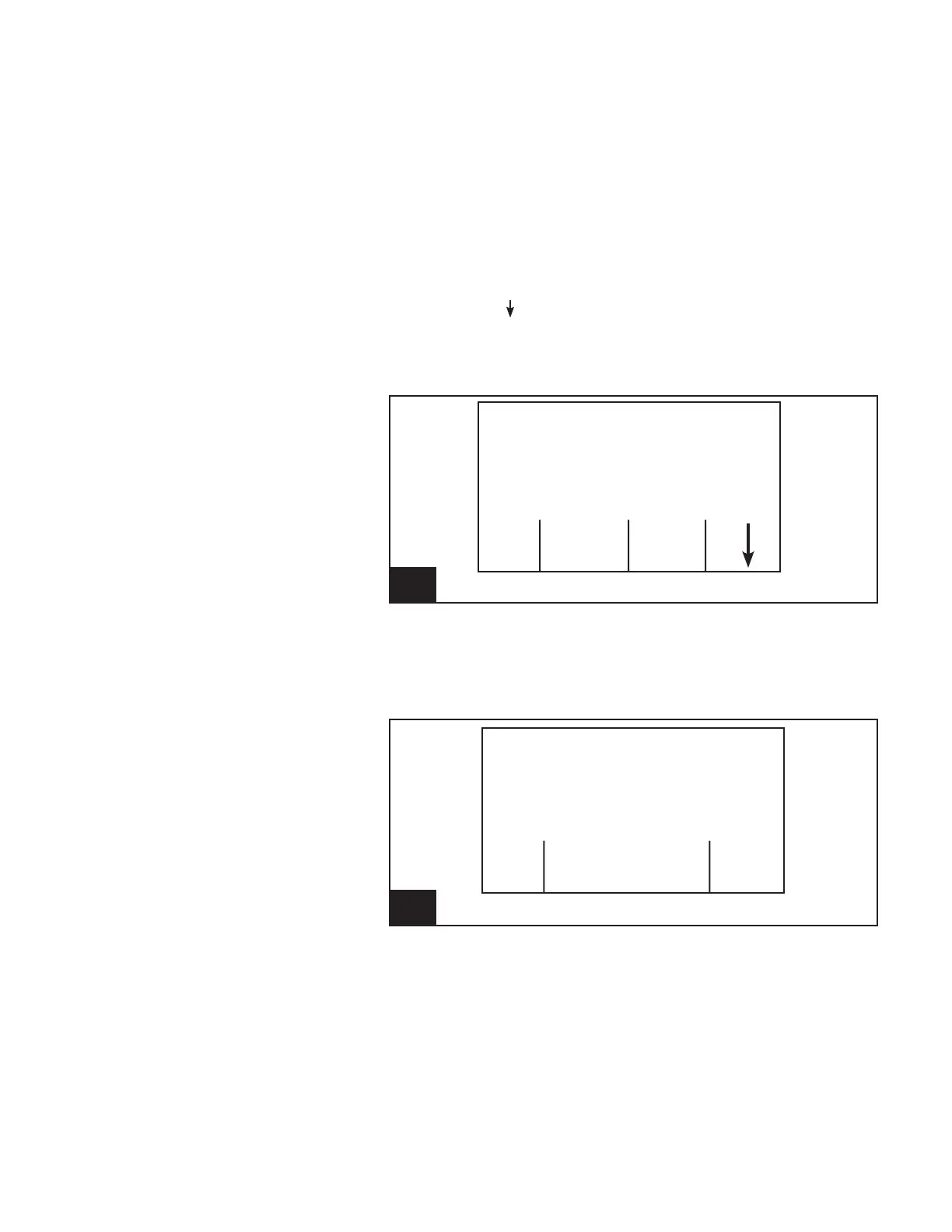
2. Using the [ ] (F4) key, scroll through the available Func-
tion Keys until [Strt Wash] is available.
3. Press the appropriate key below [Strt Wash] (F1) to place
the controls in the zone into “Wash Mode”.
12. Screen 10: Wash Start Function l926_12
Cow Number
Cow -----
Milk Weight (lb) .00
Strt End Lock
Wash Wash Keys
4. Conrm or cancel the start wash function.
-Press [No] (F1) to cancel the start wash function.
-Press [Yes] (F4) to conrm that the wash is to be
started.
13. Screen 11: Wash Start Function l926_13
Cow Number
Cow -----
Milk Weight (lb) .00
Are You
No Sure? Yes



 To Next Page