9E-926 34 SmartControl™ Meter & TouchPoint™
Operation Instructions
2.1.11.2 Show SmartControl Meter Addresses
During installation of the TouchPoint controls and SmartCon-
trol Meters it is necessary to assign a unique address to each
control. The TouchPoint controls will always display their ad-
dresses in the 3 digit LED display at the top of the unit.
The SmartControl Meters do not have a display like this. The
Show Address function gives the technician a means to check
the address assignments on the SmartControls from the par-
lor. The Show Address function uses the yellow and red LED’s
on the SmartControl Meter to indicate the address. The hun-
dreds digits are indicated by slow (0.6 second) ashes of the
yellow LED, The tens digits are indicated with short (0.2 sec-
ond) ashes of the yellow LED. The ones digit is indicated with
short (0.2 second) ashes of the red LED.
For example, an address of 127 would be one long yellow, two
short yellows, and seven short red ashes, followed by a pause
with no ashes. The length of the pause will vary between ad-
dresses, so that the total time for all ashes plus the pause
will be the same for all addresses. This means that when the
function is started, all of the controls will start synchronized,
and will stay together for a long period of time.
Parameters:
1. SmartDairy Controller not required
2. Used on all parlor types
Procedure:
1. Enter “9173” to unlock the keypad if not Attached.
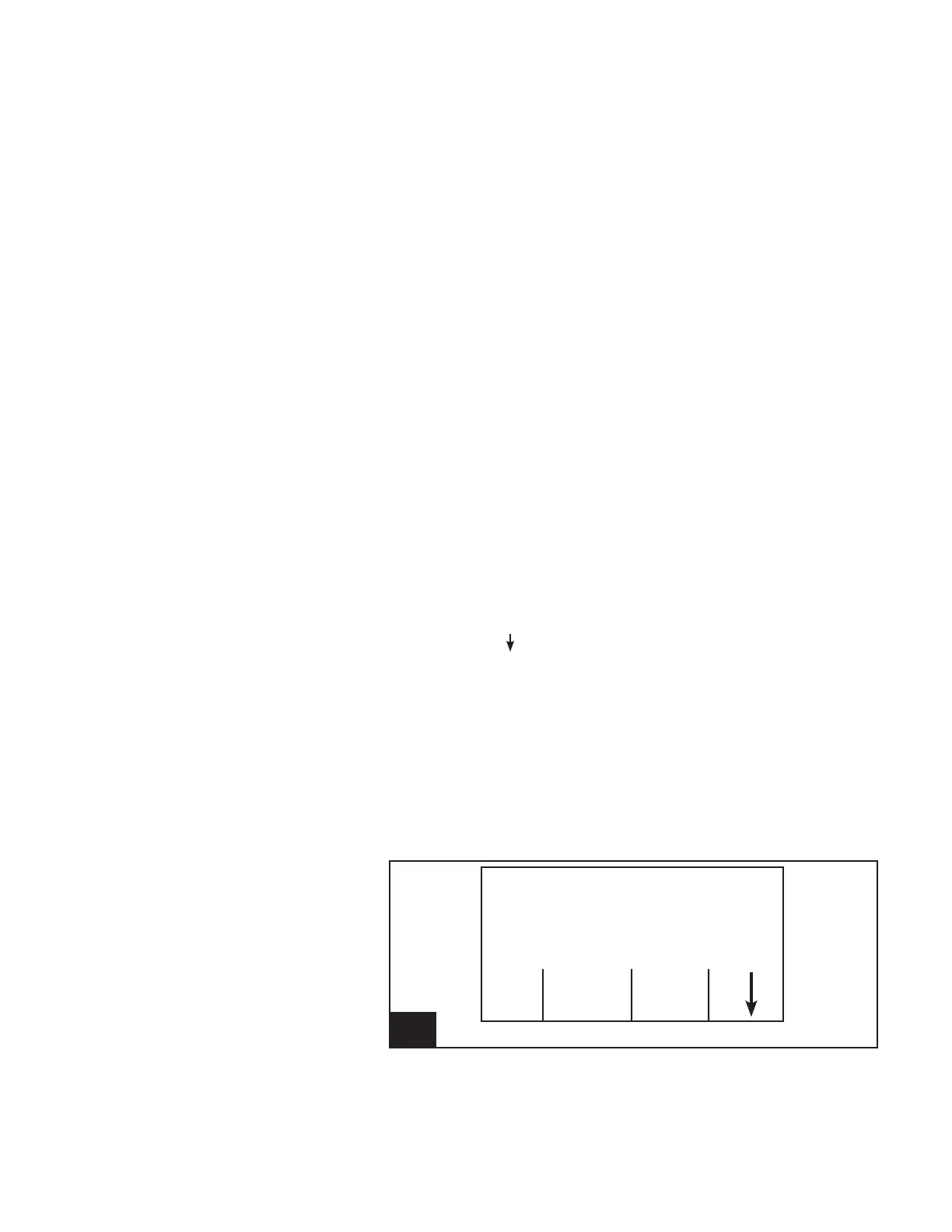
2. Using the [ ] (F4) key, scroll through the available Func-
tion Keys until [ON] [Show Addr] [OFF] are available.
3. Press the [ON] (F1) Function key to start the Show Ad-
dresses function.
4. Conrm or cancel the function.
-Press [No] (F1) to cancel the communication test
function.
-Press [Yes] (F4) to conrm that the communication
test is to start.
5. Press the [OFF] (F3) Function key to stop the Show Ad-
dresses function.
27. Screen 25: Show SmartControl Addresses l926_27
Cow Number
Cow -----
Milk Weight (lb) .00
Show
ON Addr OFF



 To Next Page