9E-926 22 SmartControl™ Meter & TouchPoint™
Operation Instructions
2.1.9 Milk and Wash Functions
2.1.9.1 End Milking
The milking can be ended at any TouchPoint in the parlor. This
function will not place the detachers into “Wash Mode”. If wash-
ing of the system is desired then “Start Wash” must be selected
for each zone (if the parlor has multiple zones).
Parameters:
1. SmartDairy™ Controller required
2. Used on all parlor types
Procedure:
1. Enter “9173” to unlock the keypad.
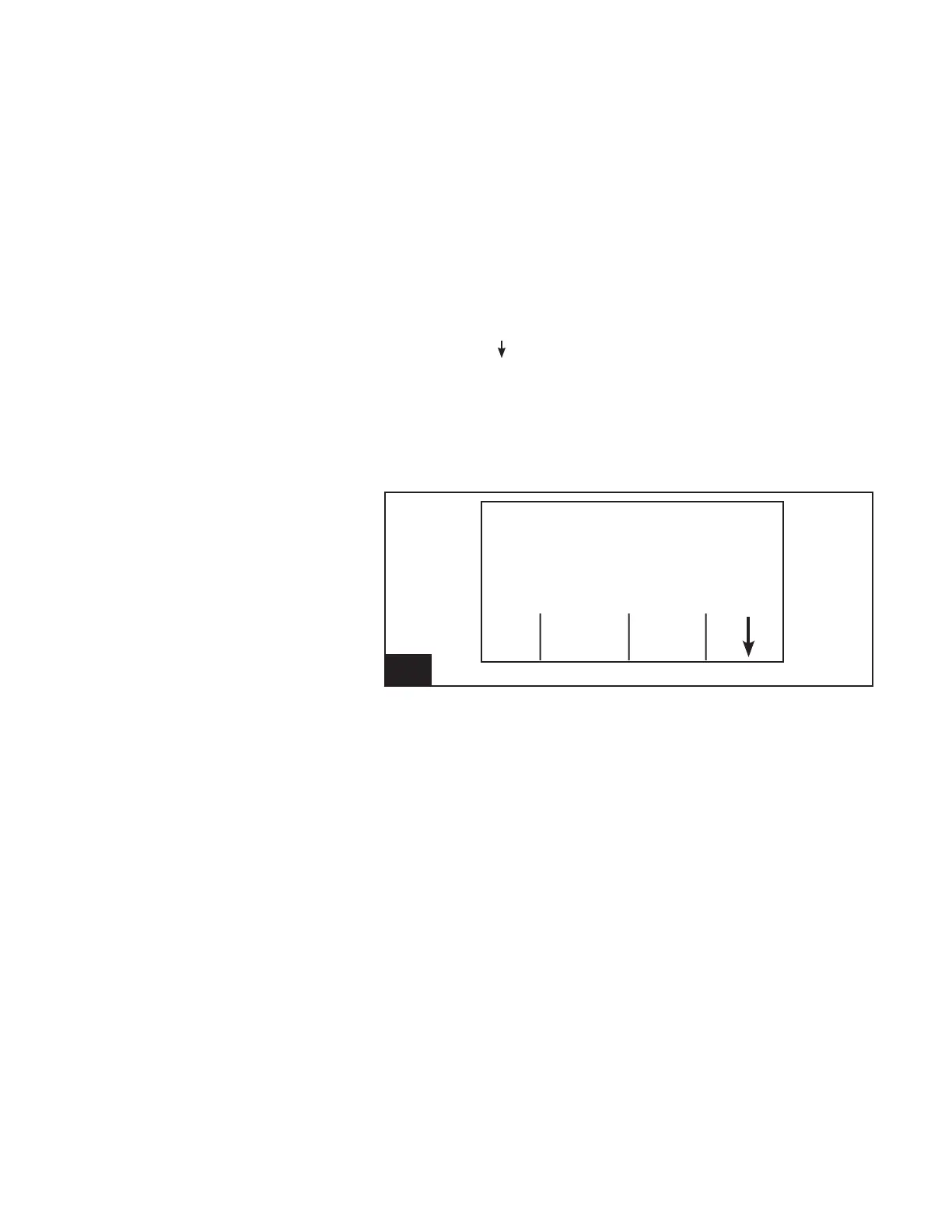
2. Using the [ ] (F4) key, scroll through the available Function
Keys until [End Milk] is available.
3. Press the appropriate Function Key (F2).
4. Conrm or cancel the end of milking function.
-Press [No] (F1) to cancel the end of milking function.
-Press [Yes] (F4) to conrm that ending milking is
desired.
Cow Number
Cow -----
Milk Weight (lb) .00
ID End
Chek Milk
11. Screen 9: End Milking l926_11



 To Next Page