9E-926 24 SmartControl™ Meter & TouchPoint™
Operation Instructions
2.1.9.3 Wash, End
All TouchPoint & SmartControls in that zone can be put into
the “Milk Mode” by selecting “End Wash” [End Wash] (F2). The
Function Key Command can be done at any stall in that zone
and does not have to be done at the stall where the “Start
Wash” mode was entered.
Parameters:
1. SmartDairy Controller required
2. Used on all parlor types
Procedure:
1. Enter “9173” to unlock the keypad.
2. Press the appropriate key below [End Wash] (F2) to place
the controls in the zone into “Milk Mode”.
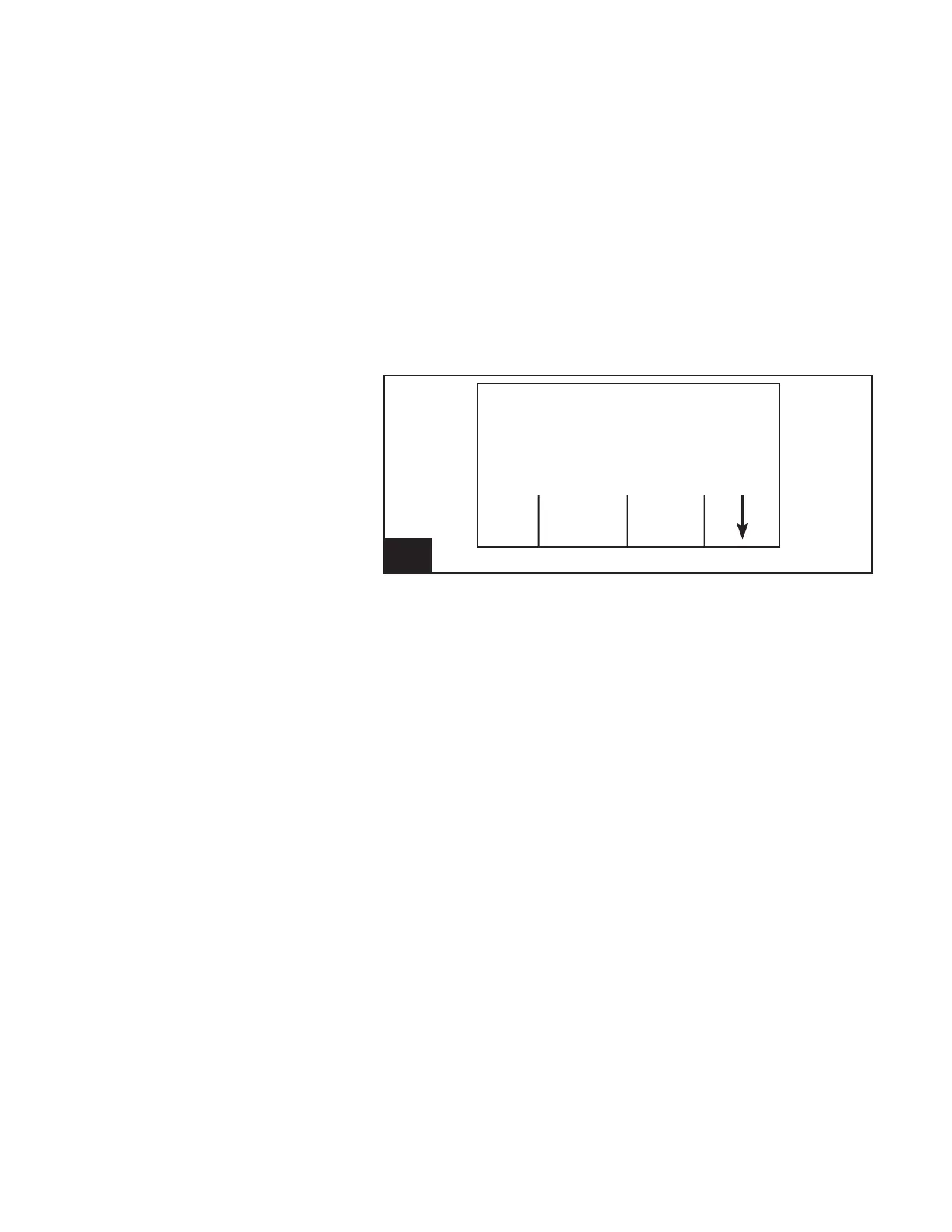
14. Screen 12: Wash End Function l926_14
L/min Fills
Washing
Enter 9173 to Unlock
Strt End Lock
Wash Wash Keys
— NOTICE ———————
In a rotary parlor, the keypad is nor-
mally locked when the unit is de-
tached. When the cow information is
sent to the TouchPoint, the keypad
will be unlocked automatically.



 To Next Page