9E-926 26 SmartControl™ Meter & TouchPoint™
Operation Instructions
2.1.9.5 Change Lot
Milkers can change the lot numbers assigned to cows as they
are attached in the parlor with this function.
Parameters:
1. SmartDairy Controller required
2. Used on all parlor types
Procedure:
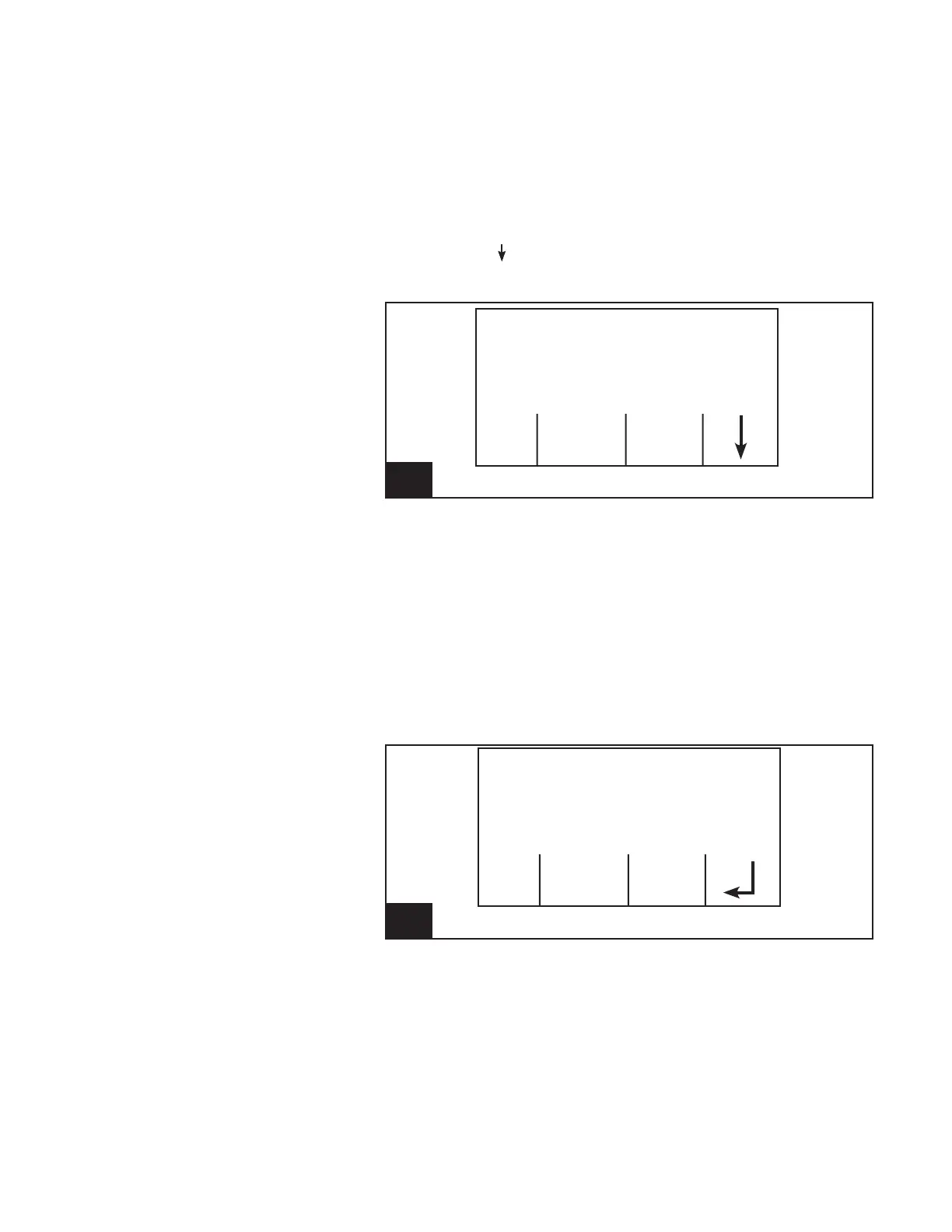
1. Using the [ ] (F4) key, scroll through the available Function
Keys until [Chg Lot] (F2) is available.
16. Screen 14: Change Lot l926_16
Cow Number
Cow 147
Milk Weight (lb) .00
Chg Sort
Lot Cow
2. Press the appropriate Function Key (F2).
3. The current lot number assigned to the cow will be dis-
played. To change the lot number, type in a new number.
Note that digits will be added onto the end of the current
lot number.
-Press [Back] (F1) to cancel the lot number change and
return to the original lot number.
-Press [Clear] (F2) to clear the lot number to zero (0).
-Press [Bksp] (F3) to erase the last digit.
-Press [Enter] (F4) to use the lot number shown.
17. Screen 15: Edit Lot Number l926_17
Cow Number
Cow -----
Milk Weight (lb) .00
Lot Number 18
Back Clear Bksp
4. The new lot number can be applied in three ways.
-Press [No Chg] (F1) to cancel the lot change function.
-Press [This Cow] (F2) to change the lot of only the
current cow. (This will only work if a cow number is
assigned.)
-Press [All Cows] (F3) to assign the lot number to all
cows that are attached after the change. This function
will work even if no cow is currently assigned.



 To Next Page