SmartControl™ Meter & TouchPoint™ 25 9E-926
Operation Instructions
2.1.9.4IDVerication
In a non-rotary parlor if there are cows being milked that are
not identied on the TouchPoint display it is possible to have
the SmartDairy Controller verify the cow identication after all
cows in the zone are detached but before they are allowed to
exit. When the [ID Chek] (F1) is used, the SmartDairy Con-
troller will apply the Smart EID logic to determine the location
of the unidentied cows and then move the cow assignments
in the parlor. The cow numbers will be changed in the parlor
to indicate which cows the SmartDairy Controller will assign to
each milk weight. If any cows are not correctly assigned (or if
the milkers want to assign “unassigned” cows) they can follow
the instructions above to change the cow number.
Parameters:
1. SmartDairy Controller required
2. Used on all parlor types except rotary
Procedure:
1. Using the [ ] (F4) key, scroll through the available Func-
tion Keys until [ID Chek] (F1) is available.
2. Press the appropriate Function Key (F1).
3. If desired, change any cow numbers that need manual cor-
rection.
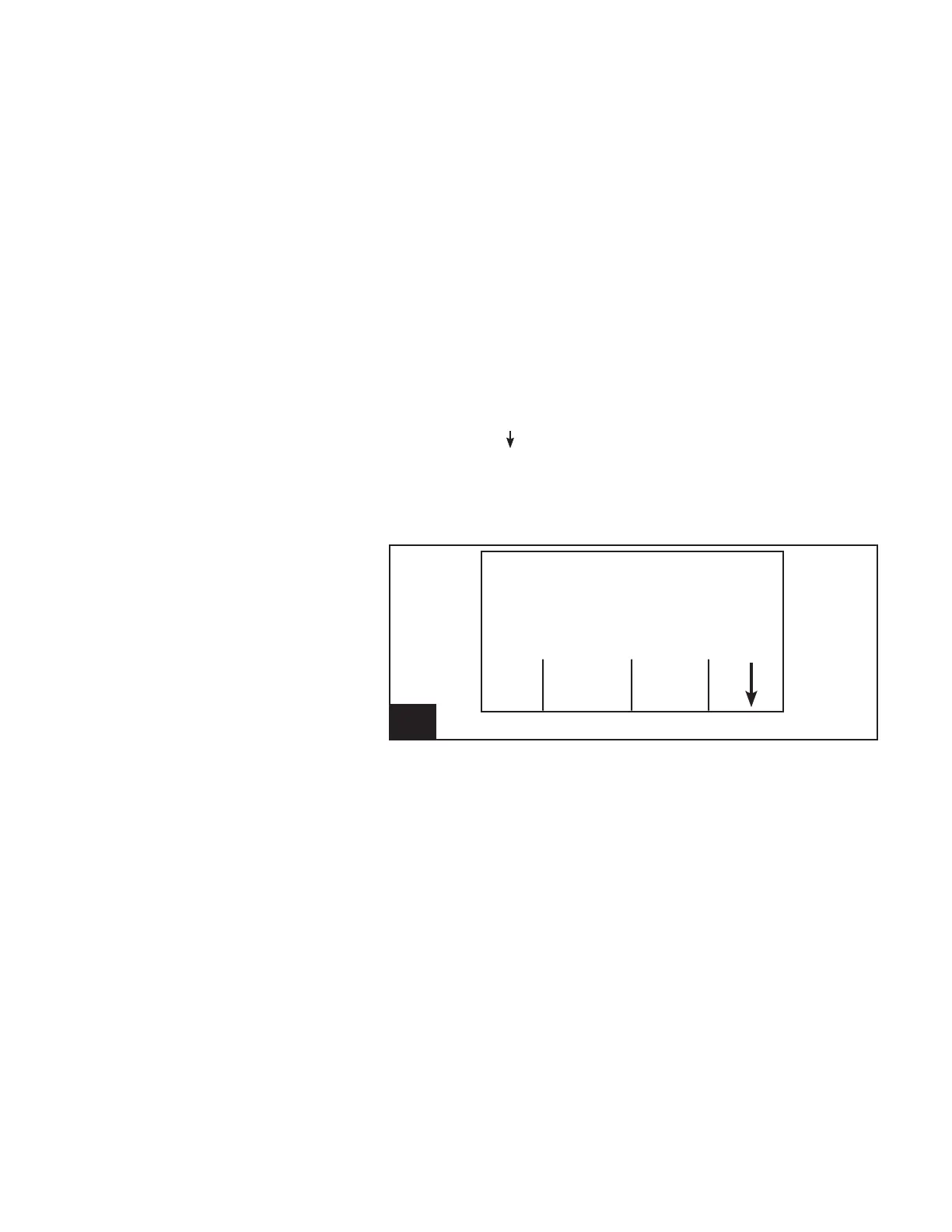
15. Screen13:IDVerication l926_15
Cow Number
Cow -----
Milk Weight (lb) .00
ID End
Chek Milk
— NOTICE ———————
[ID Chek] is not available on rotary
parlors.



 To Next Page