4-2 BBP
®
33 Sign & Label Printer
User’s Manual
Printer Maintenance
Removing Power and Media from Printer
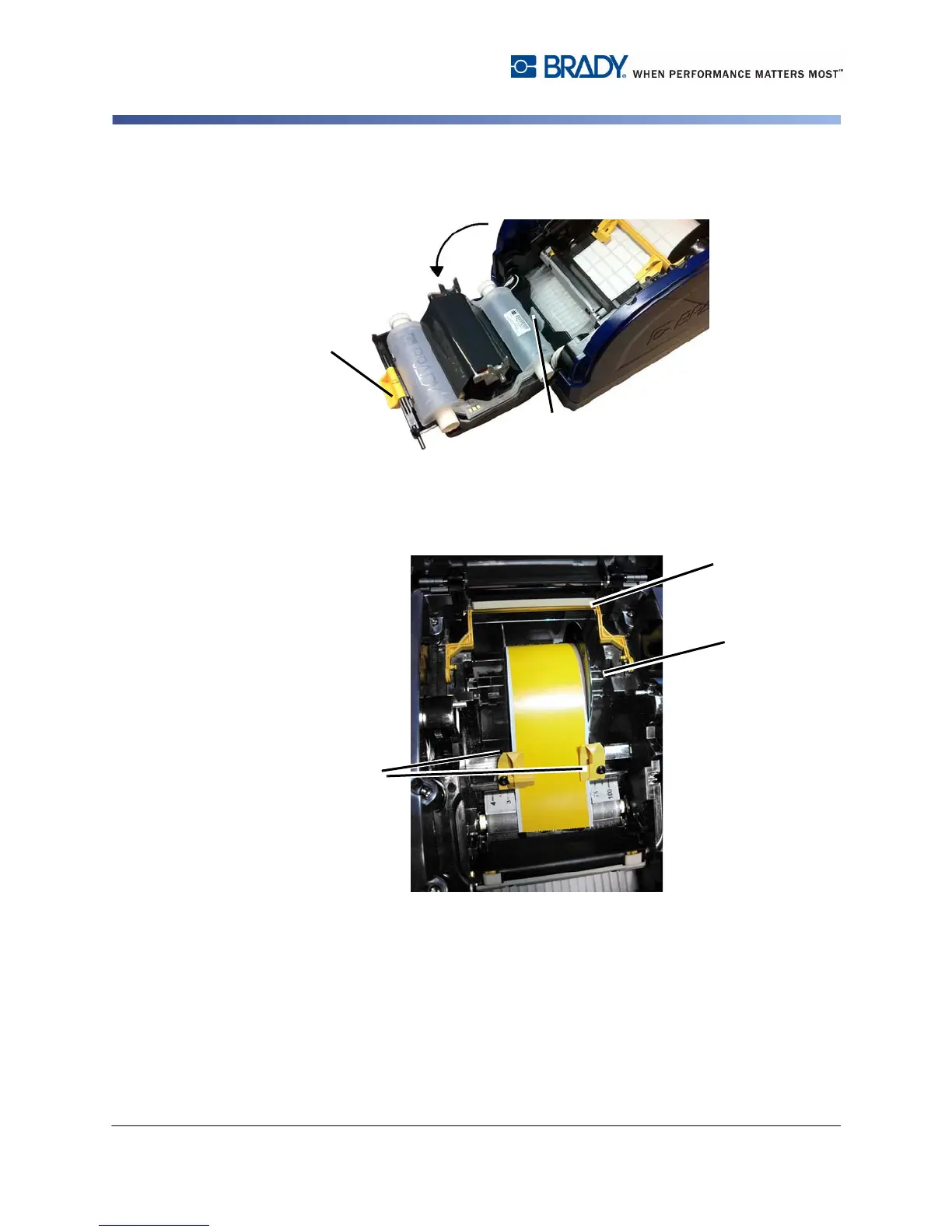
3. Release the latch on the ribbon cover [3] and swing open.
4. Release the ribbon cartridge latch [4] and lift the ribbon cartridge up and out.
5. Move yellow media wiper [5] to the back.
6. Move yellow media guides [6] to full-open.
7. Remove media cartridge from the slots of media holder [7].



 To Next Page