BBP
®
33 Sign & Label Printer
User’s Manual
4-7
Printer Maintenance
Cleaning the Printer
Clean Auto-Cutter Blade
Note: This procedure is used only for models with an auto-cutter.
Note: When cleaning the cutter, you should also clean the media and cutter
sensors (see “Clean Sensors” on page 4-9).
Materials Required
• Isopropyl Alcohol
• Cleaning Kit (Cat # B31-CCT), includes foam swabs, adhesive scraping tool,
plastic bottle (not available in all regions)
To clean the cutter:
1. Remove power and media from the printer.
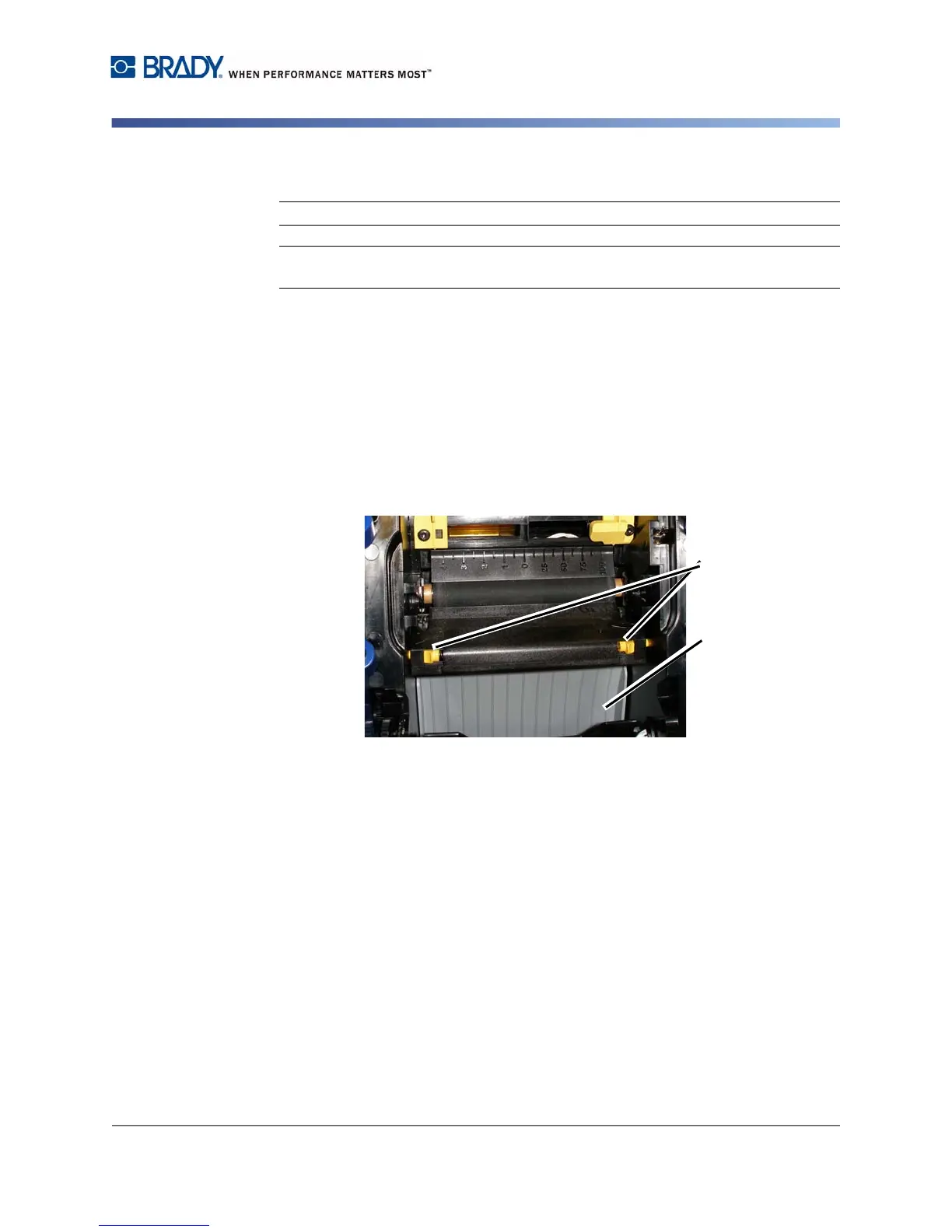
2. Squeeze the two yellow cutter tabs [2a] to release the cutter. The cutter
mechanism and exit chute [2b] will slide down behind the ribbon cover.
3. Fill the plastic bottle from the cleaning kit with isopropyl alcohol.



 To Next Page