4-6 BBP
®
33 Sign & Label Printer
User’s Manual
Printer Maintenance
Cleaning the Printer
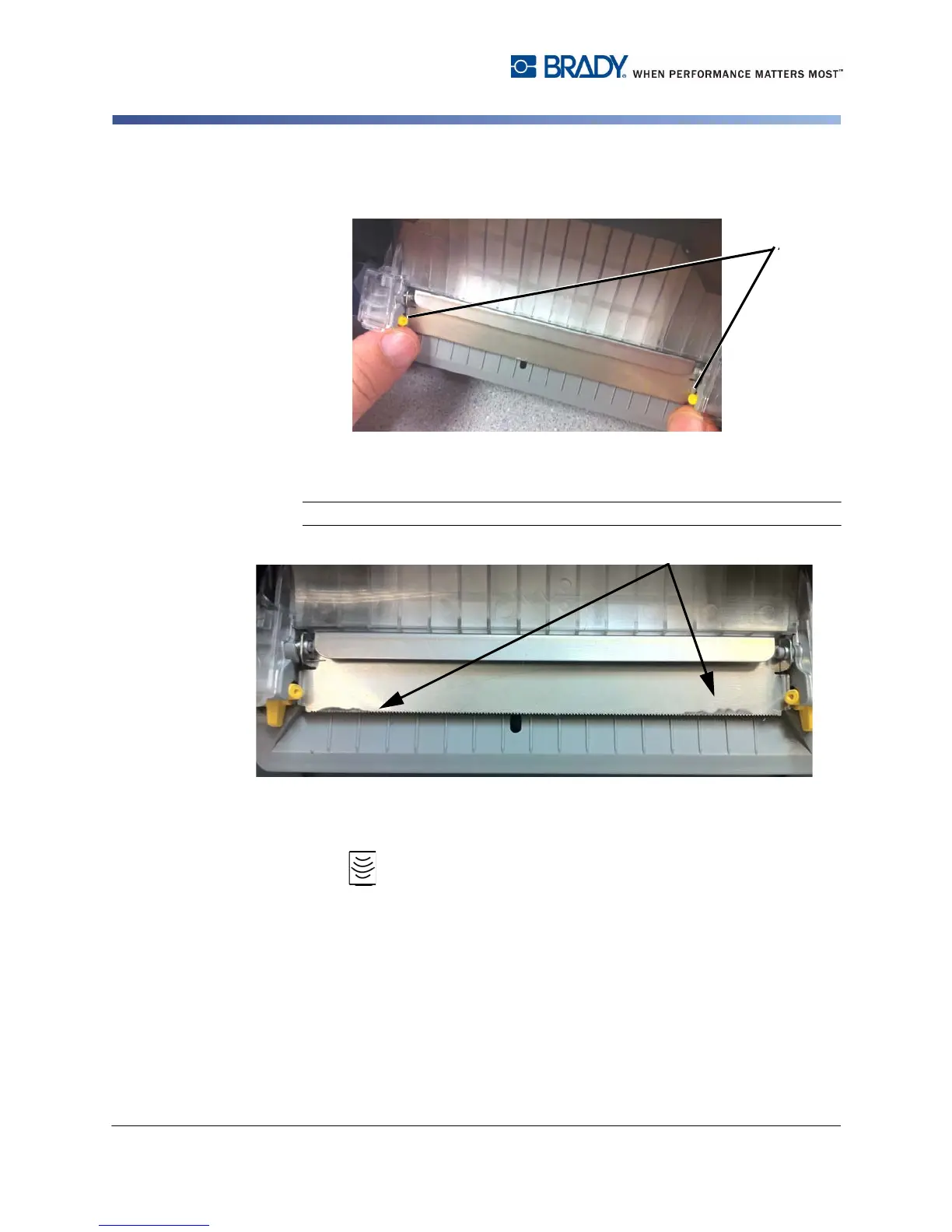
5. To lift up the tearbar, move the two yellow tearbar release tabs [5], on each
side, toward the outer edge. The tearbar will automatically flip up.
6. Using isopropyl alcohol and Kimwipes
®
, clean the underside of the tearbar [6]
to remove any built up adhesive.
Note: You may need to use pressure to remove all of the adhesive buildup.
7. Return the tearbar to operating position by rotating the tearbar down until it
snaps into place.
8. Slide the exit-ramp cover back up into place until it stops. Press on the clear
icons on either side of the exit ramp to snap the ramp securely into place.
9. Replace the ribbon and tape, if removed in step 1.
10. Close all covers and plug in the power cord.



 To Next Page