BBP
®
33 Sign & Label Printer
User’s Manual
4-9
Printer Maintenance
Cleaning the Printer
Clean Sensors
The sensors are located inside the printer and may be covered with dust that
results from tearing or cutting the media. The media sensor is located under the
yellow media guide.
Materials Required
• Cleaning Kit (Cat # B31-CCT), includes foam swabs, adhesive scraping tool,
plastic bottle (not available in all regions)
• Isopropyl Alcohol
To clean the sensors:
1. If necessary, remove power and media from the printer (see “Removing
Power and Media from Printer” on page 4-1).
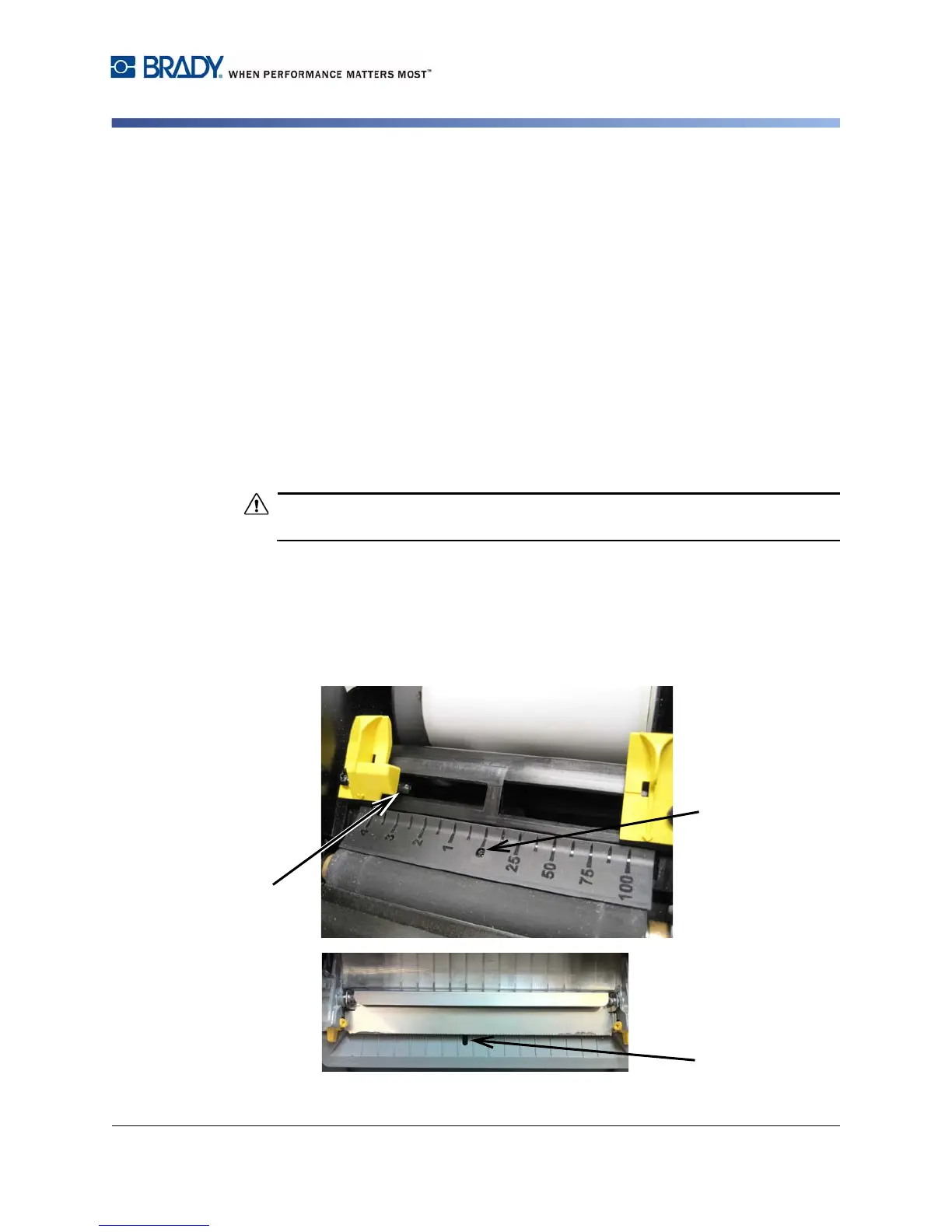
2. With the ribbon cover open, use a pre-moistened swab and thoroughly clean
the surface of the sensors
at the locations shown:
Do not allow the alcohol to drip from the swab
.
a. Center die-cut sensor [2a]
b. Tape out/die-cut sensors [2b]
(Note: Sensor is located under the yellow media guide.)
3. For printers with a tearbar, close the ribbon cover and clean the media tearoff
(exit) sensor [3].



 To Next Page