2-14 BBP
®
33 Sign & Label Printer
User’s Manual
Brady Network Cards
Supported Networks
Brady Network Cards
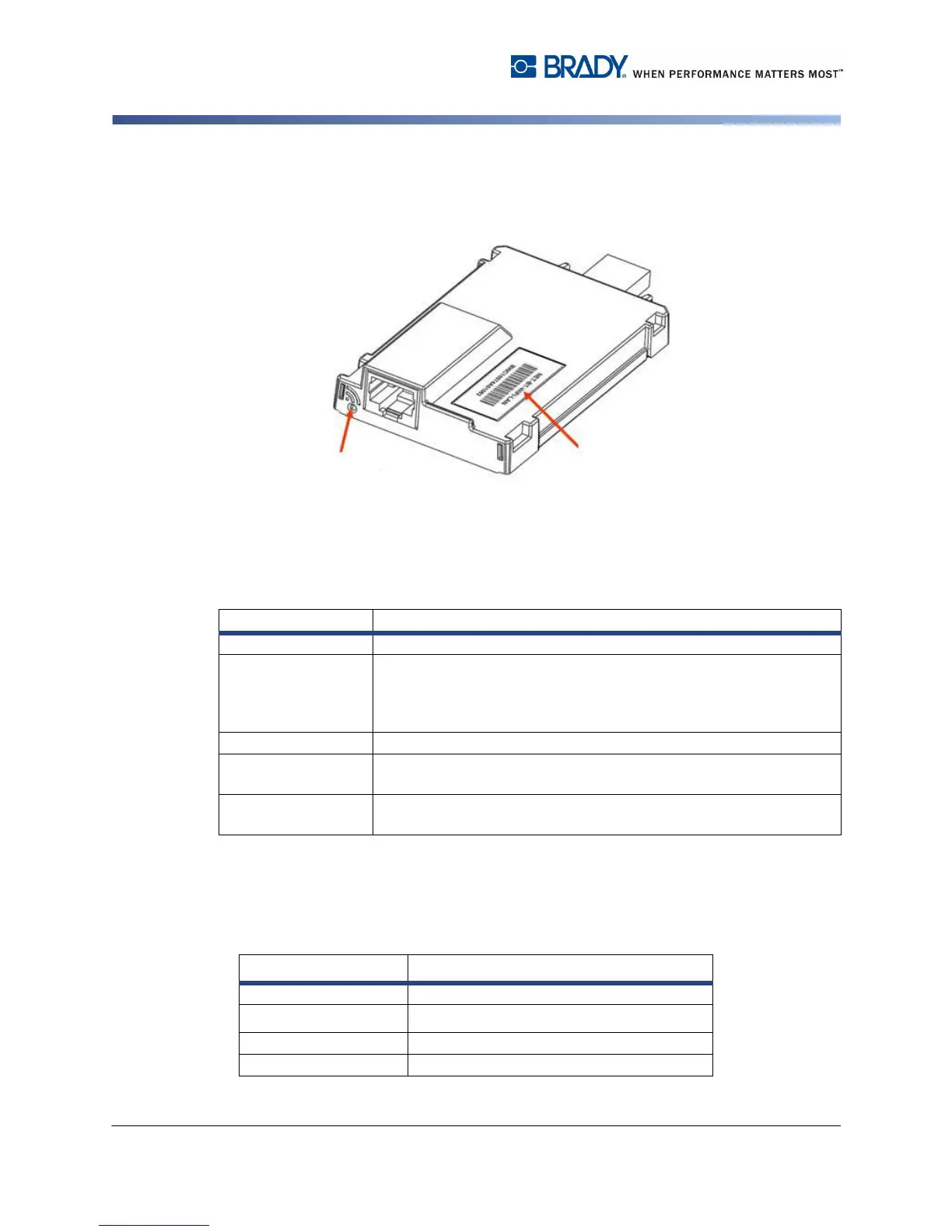
LED Light
The changing colors of the LED light on the Brady Network Card signifies the
following:
Supported Networks
The name on the barcode label of your network card indicates which networks the
specific card supports.
Color Status
Solid Green Card is functioning normally, status is OK.
Blinking Orange The firmware is corrupted and it needs to be upgraded. Use the
Brady Network Card Configuration Utility to upgrade the firmware
(see “Firmware Upgrade/Factory Reset” on page 2-56 for
information on downloading new firmware.)
Blinking Green Firmware upgrade is in progress.
Solid Red Card failure. There is no communication between the Brady
Network Card and the printer. Contact your system administrator.
Blinking Red An error is detected in the current operation of the Brady Network
Card. Check the current operation.
Name Networks Supported
NET-BT-WIFI-LAN Bluetooth, WiFi, and Ethernet
NET-WIFI WiFi and Bluetooth ONLY
NET-BT Bluetooth ONLY
NET-LAN Ethernet ONLY
Supported
LED Light
Networks



 To Next Page