2-52 BBP
®
33 Sign & Label Printer
User’s Manual
Brady Network Cards
Using Brady Network Card Configuration Utility
Using Brady Network Card Configuration Utility
When the network drivers are installed, a configuration utility is also installed and
is automatically placed in Programs under the Start button of your Windows
program. Use the configuration utility to adjust or change the configuration you
initially installed.
To access the utility:
1. Choose Start>Programs>Brady>Brady Network Card>Brady Network
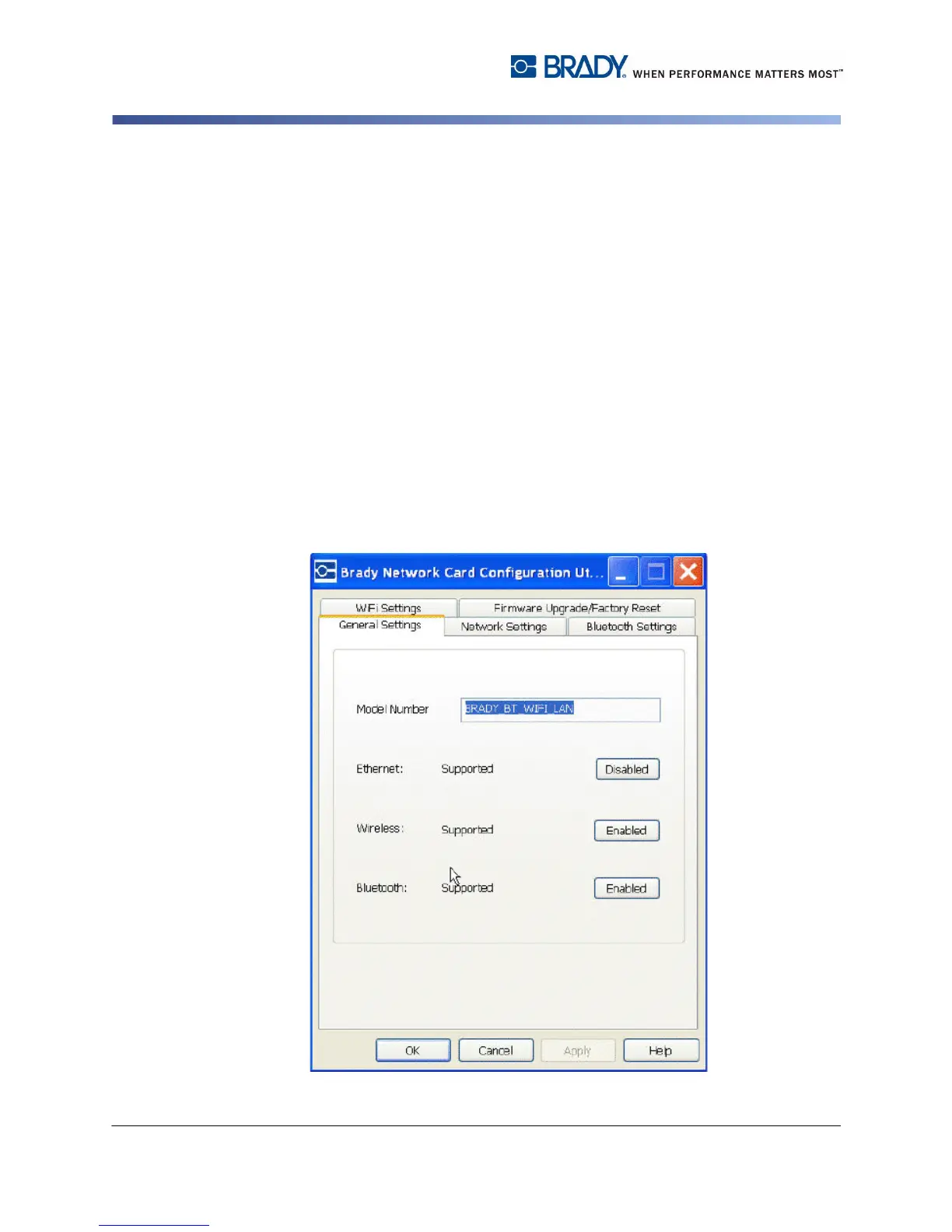
Card Configuration Utility. One dialog box iswith multiple tabs is displayed.
General Settings
On the General Settings tab, the model number of the Brady Network Card is
identified and the previously defined connections listed.
To change the status of each supported configuration:
1. Click the Enabled/Disabled button to change the current state of the
connection.
2. Click OK to accept changes and exit the dialog box.



 To Next Page