BBP
®
33 Sign & Label Printer
User’s Manual
2-51
Brady Network Cards
Troubleshooting Brady Network Card
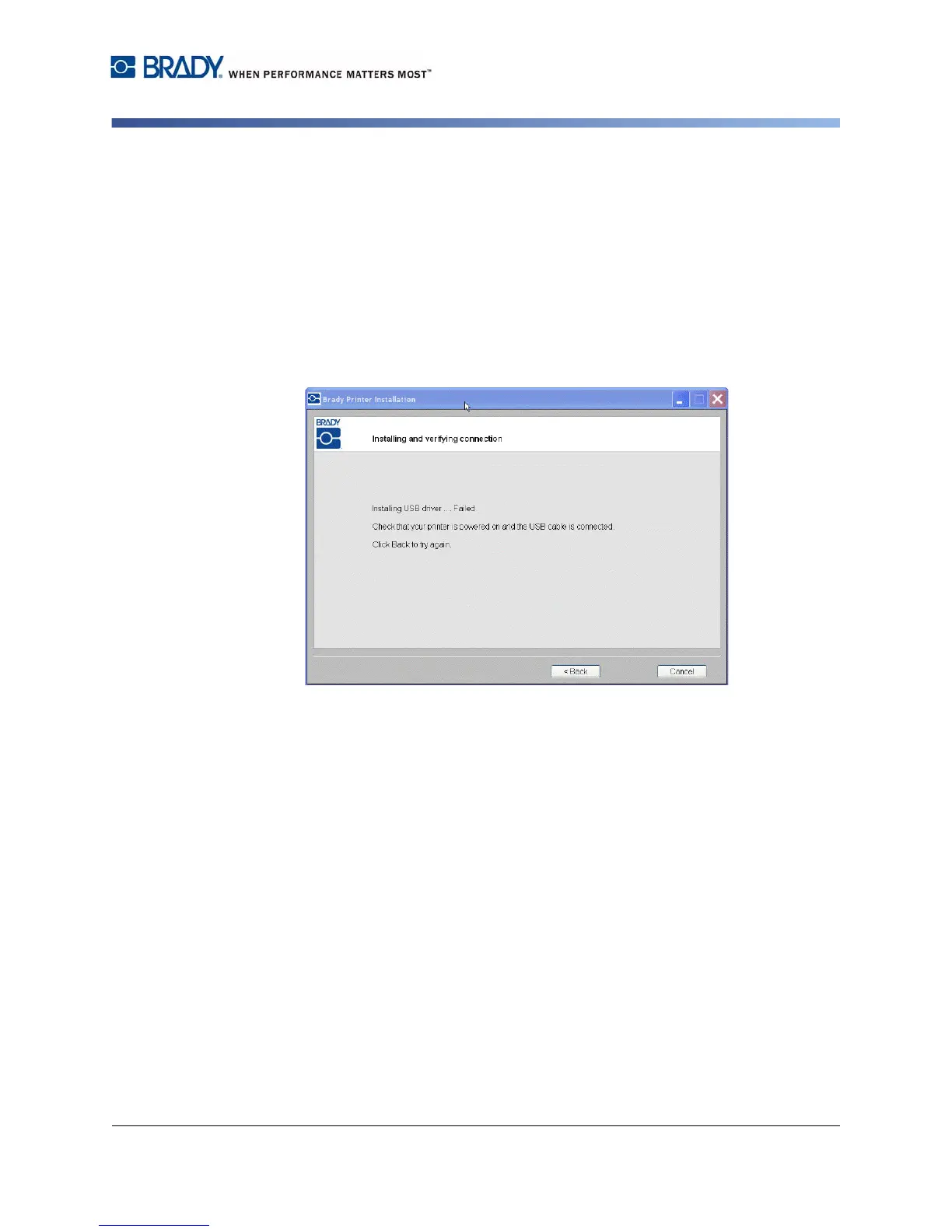
USB Connection Failed
The USB connection could fail for two reasons:
• The printer is powered OFF.
• The USB cable is not connected.
If the connection fails:
1. Click Back.
2. Power ON the printer and connect the USB cable.
3. Click Next to try again.



 To Next Page