2-56 BBP
®
33 Sign & Label Printer
User’s Manual
Brady Network Cards
Using Brady Network Card Configuration Utility
Firmware Upgrade/Factory Reset
You can upgrade your Brady Network Card through the Firmware Upgrade/
Factory Reset tab of the Configuration Utility.
Upgrade Firmware
To upgrade firmware:
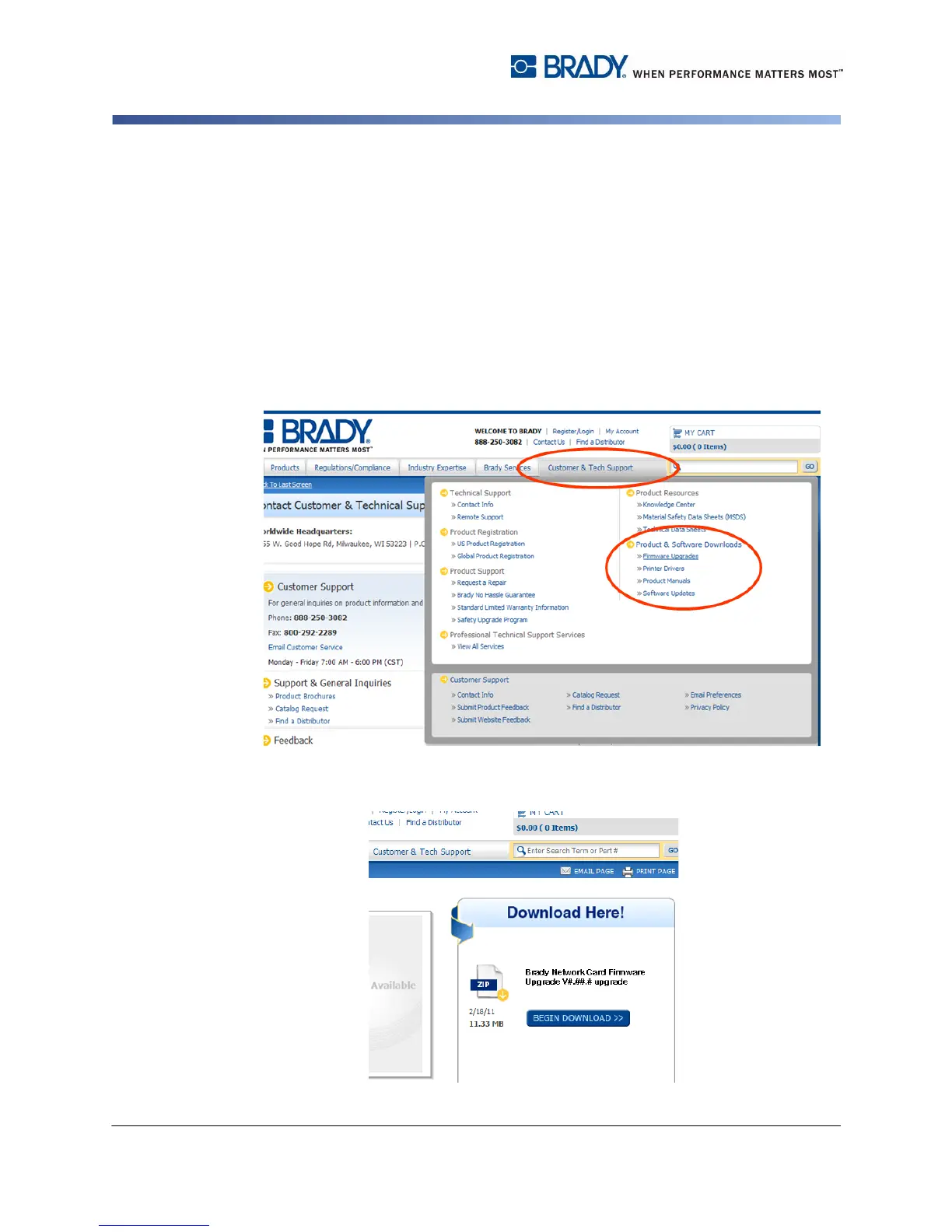
1. Access the Brady website at www.bradyid.com.
2. Click Customer & Tech Support
3. Under Product & Software Downloads, click the the Brady Network Card
firmware upgrade.
4. In the list presented, select the upgrade you want to download, then click
BEGIN DOWNLOAD.



 To Next Page