BBP
®
33 Sign & Label Printer
User’s Manual
2-47
Brady Network Cards
Troubleshooting Brady Network Card
Troubleshooting Brady Network Card
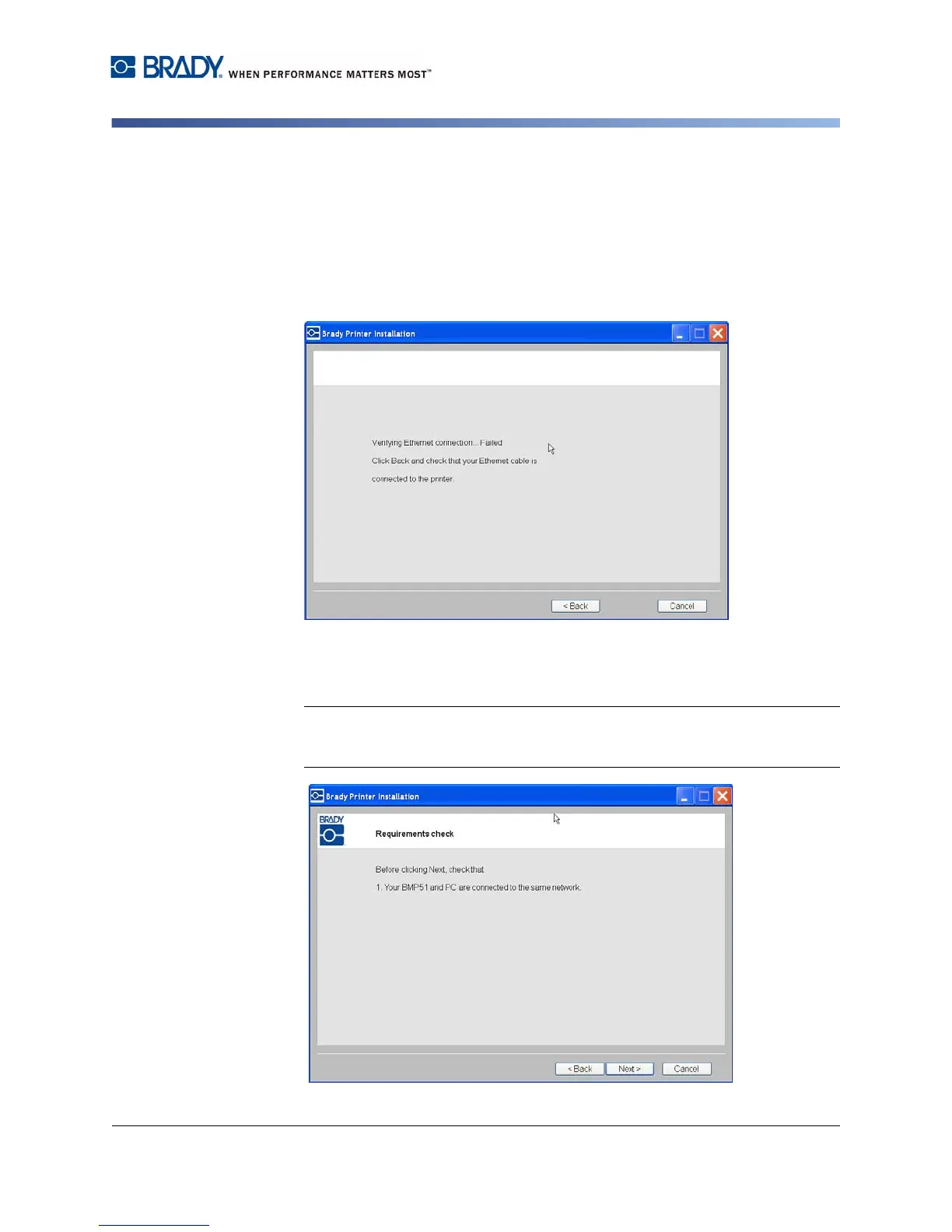
Ethernet Connection Failed
If Ethernet connection fails, an error message displays. The Ethernet connection
can fail if the PC and printer are not on the same network.
1. Click Back.
2. Verify that your printer and PC are connected to the same network (see the
connection diagram in Figure 3 on page 30).
3. Click Next to continue with installation.
Note: If the same network has been selected and the connection still fails, your
PC and printer may be on different subnets, or a firewall is blocking the
connection. In this case, contact your network administrator.



 To Next Page