2-44 BBP
®
33 Sign & Label Printer
User’s Manual
Brady Network Cards
Installing a Brady Network Card
Install Adhoc Connection (first time)
Use this installation process to connect your PC to the printer, wirelessly, without a
router. This is known as a peer-to-peer connection. The wireless connection
allows you to send print jobs to the printer from outside of the office.
Setting up adhoc printing involves the following:
• Installing a USB driver.
• Establishing an adhoc connection.
• Installing a network driver.
Install USB Driver
1. Go to “Install USB Driver (only)” on page 2-39 and follow Steps 1 through 10.
Establish Adhoc Connection
An ad hoc network is a temporary connection between computers and devices
used for a specific purpose, such as printing documents from a Brady printer. Ad
hoc networks can only be wireless.
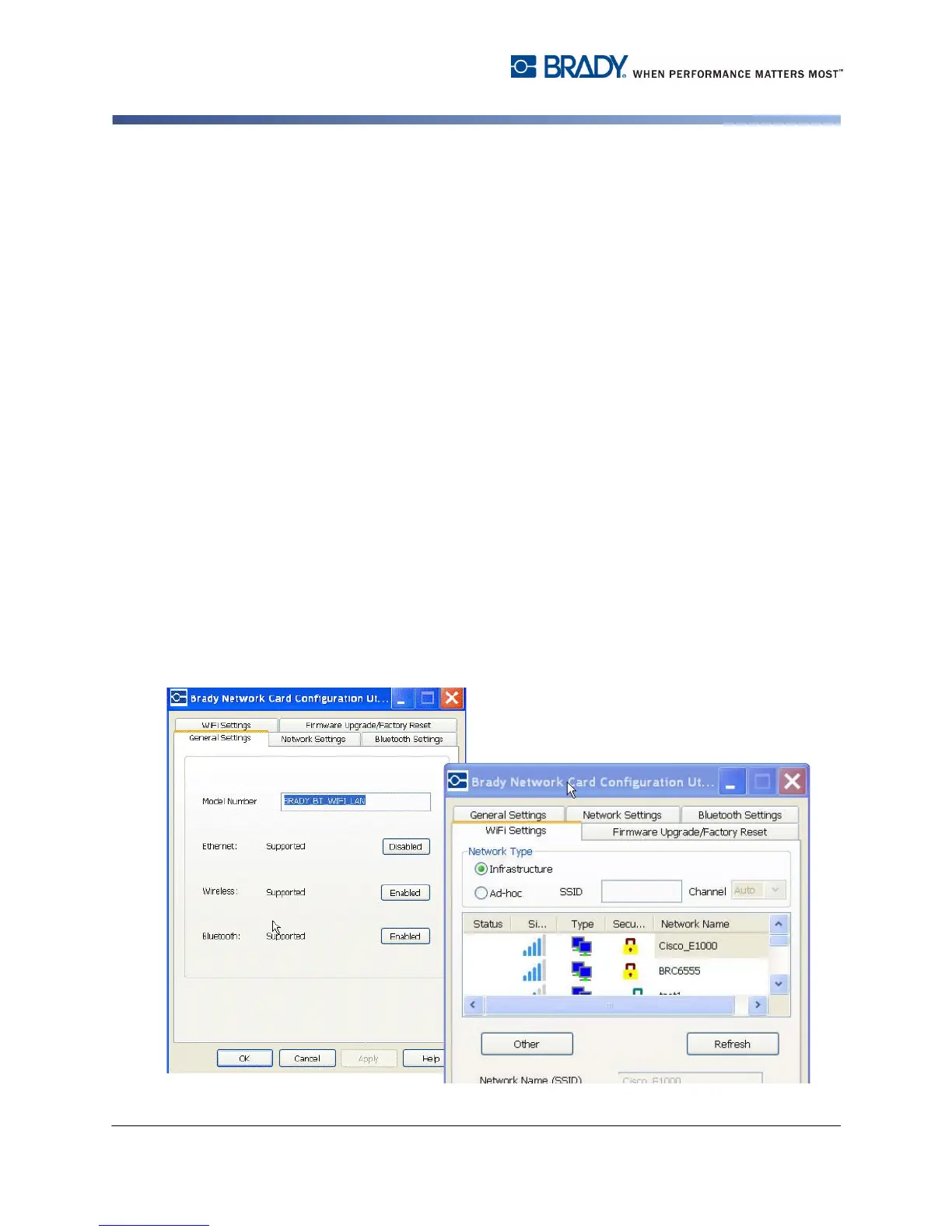
1. Open the Brady Network Card Configuration Utility by choosing:
Start>Programs>Brady>Brady Network Card>Brady Network Card
Configuration Utility
2. Click General Settings tab (if not already displayed).
3. Verify that Wireless is enabled. If disabled, click Enable to enable WiFi
settings. The application performs a WiFi scan and displays a list of available
networks.



 To Next Page