BBP
®
33 Sign & Label Printer
User’s Manual
4-5
Printer Maintenance
Cleaning the Printer
Clean Tearbar
Note: This procedure is used only for models with a tearbar.
Clean the tearbar whenever there are signs of residue or sticky build up. Most of
the sticky residue from the tape supply builds up on the underside of the flip-up
tearbar. To remove this residue, you need to flip the tearbar up.
Note: When cleaning the tearbar, you should also clean the media and tearbar
sensors (see “Clean Sensors” on page 4-9).
Materials Required
• Isopropyl Alcohol or Pre-moistened cloth (suitable for cleaning a PC screen)
• Kimwipes
®
or other non-abrasive cleaning cloths
• Cotton swabs
To clean the tearbar:
1. Remove power and media from the printer (see R“Removing Power and
Media from Printer” on page 4-1).
2. Lightly moisten a lint-free cloth with isopropyl alcohol, or pre-moistened cloth.
3. Using isopropyl alcohol, moisten a cotton swab and clean all dust and
accumulated residue from the tearbar and media sensors.
Do not use isopropyl alcohol on the print head! Using isopropyl on the print
head will ruin the printer contact surface. Do not drip isopropyl alcohol on any
other parts of the printer.
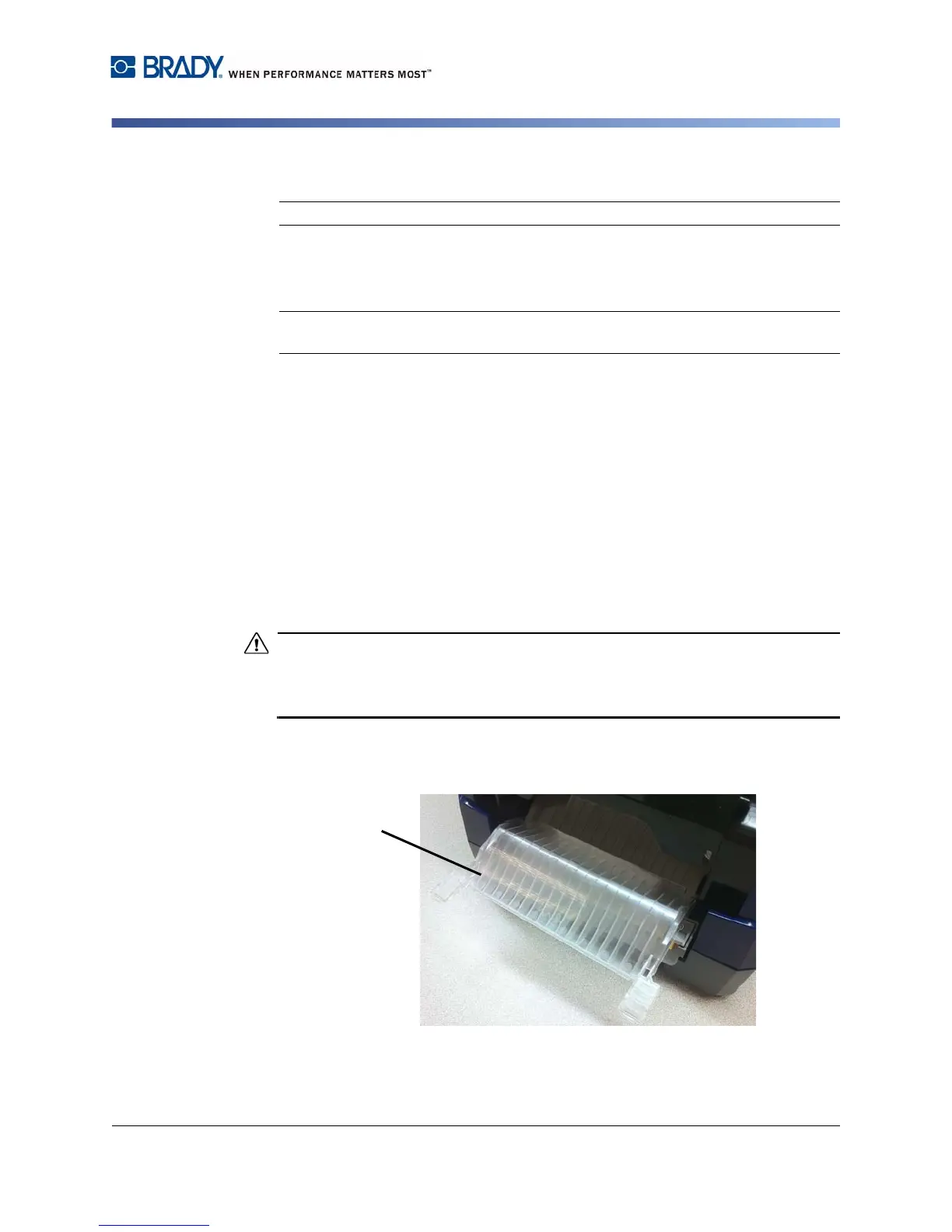
4. Raise the exit-ramp cover [4] by lifting and pulling the ramp cover forward until
it slides down the exit ramp, then lift it up to expose the tearbar release tabs.
Do not completely remove the exit-ramp cover.



 To Next Page